1
Open Analytics filter dropdown
In the Analytics tab of your Dub workspace, click on the Filter button to open the filter dropdown: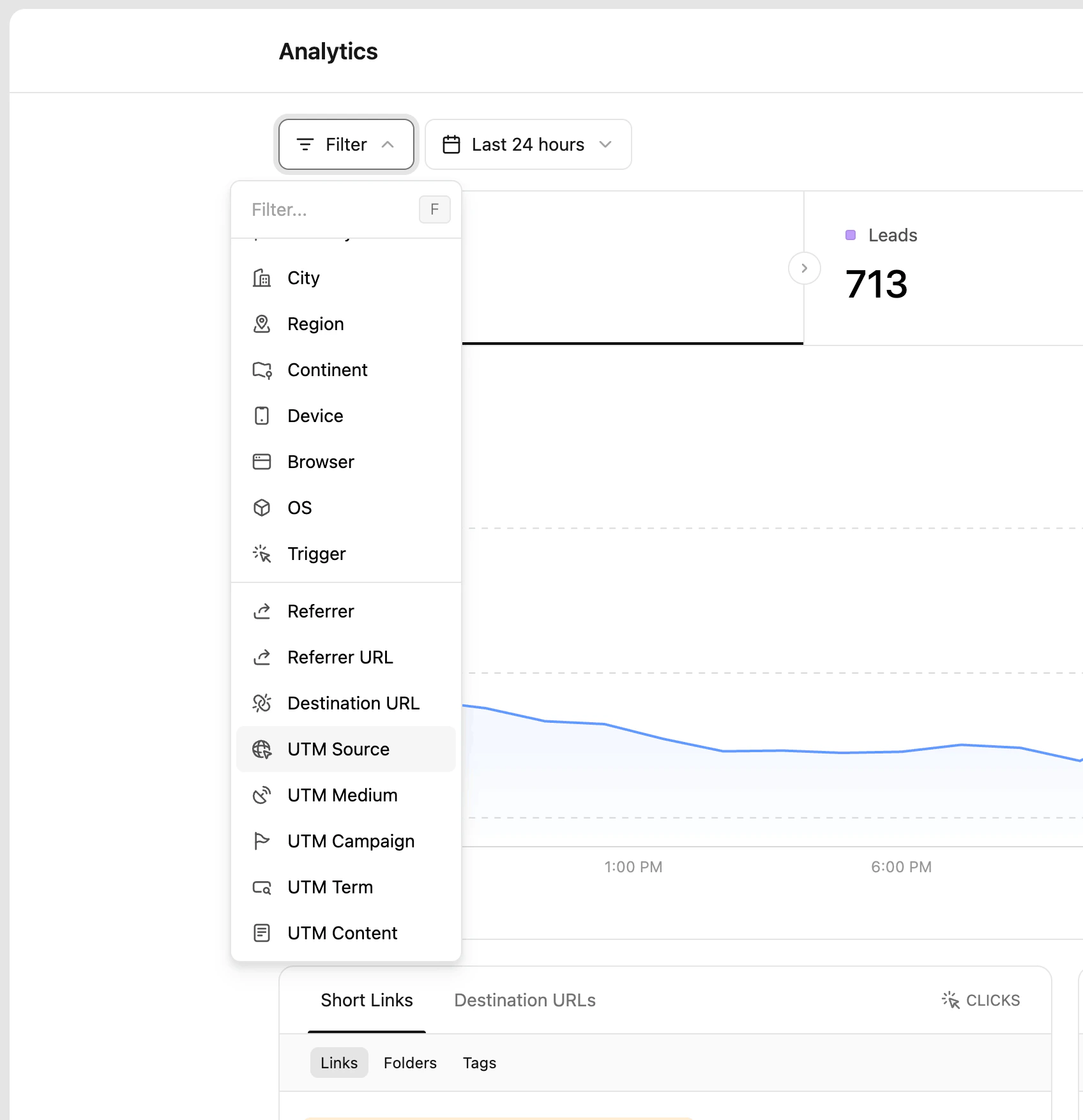
2
Select the 'UTM Source' filter option
Select the UTM Source option in the dropdown to open the tags filter: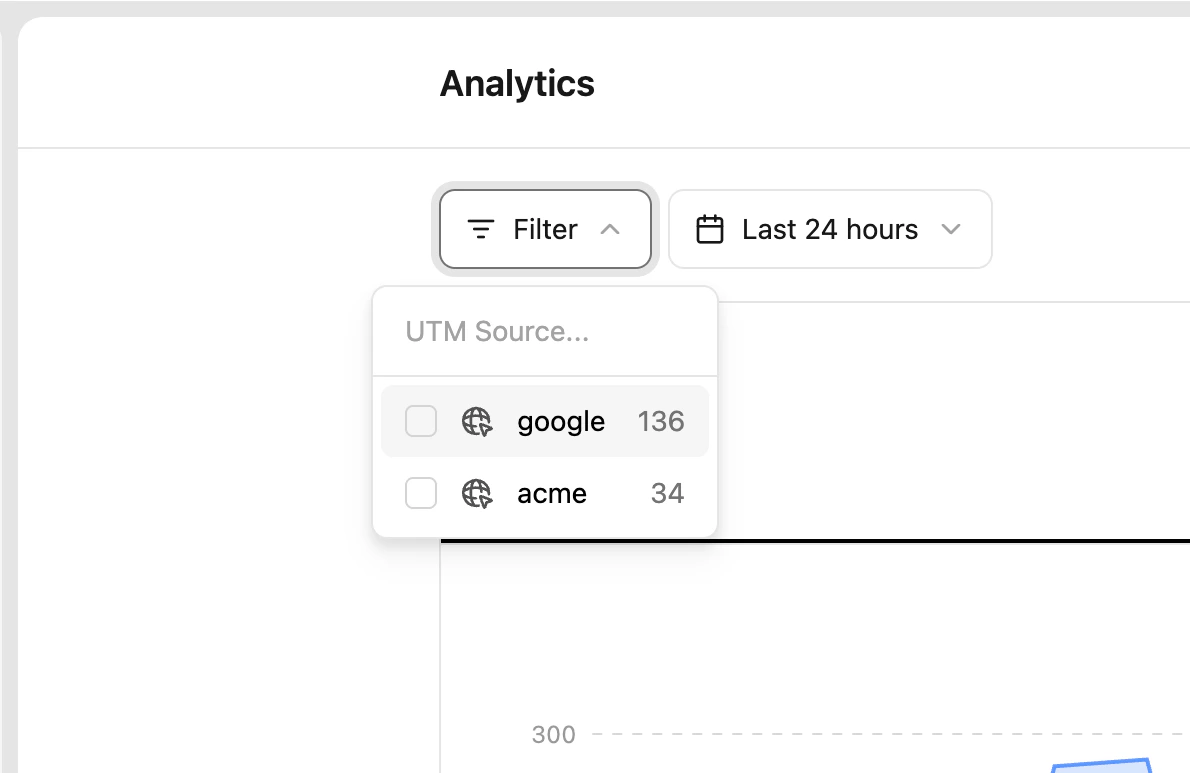
3
Click on the UTM source you want to filter by
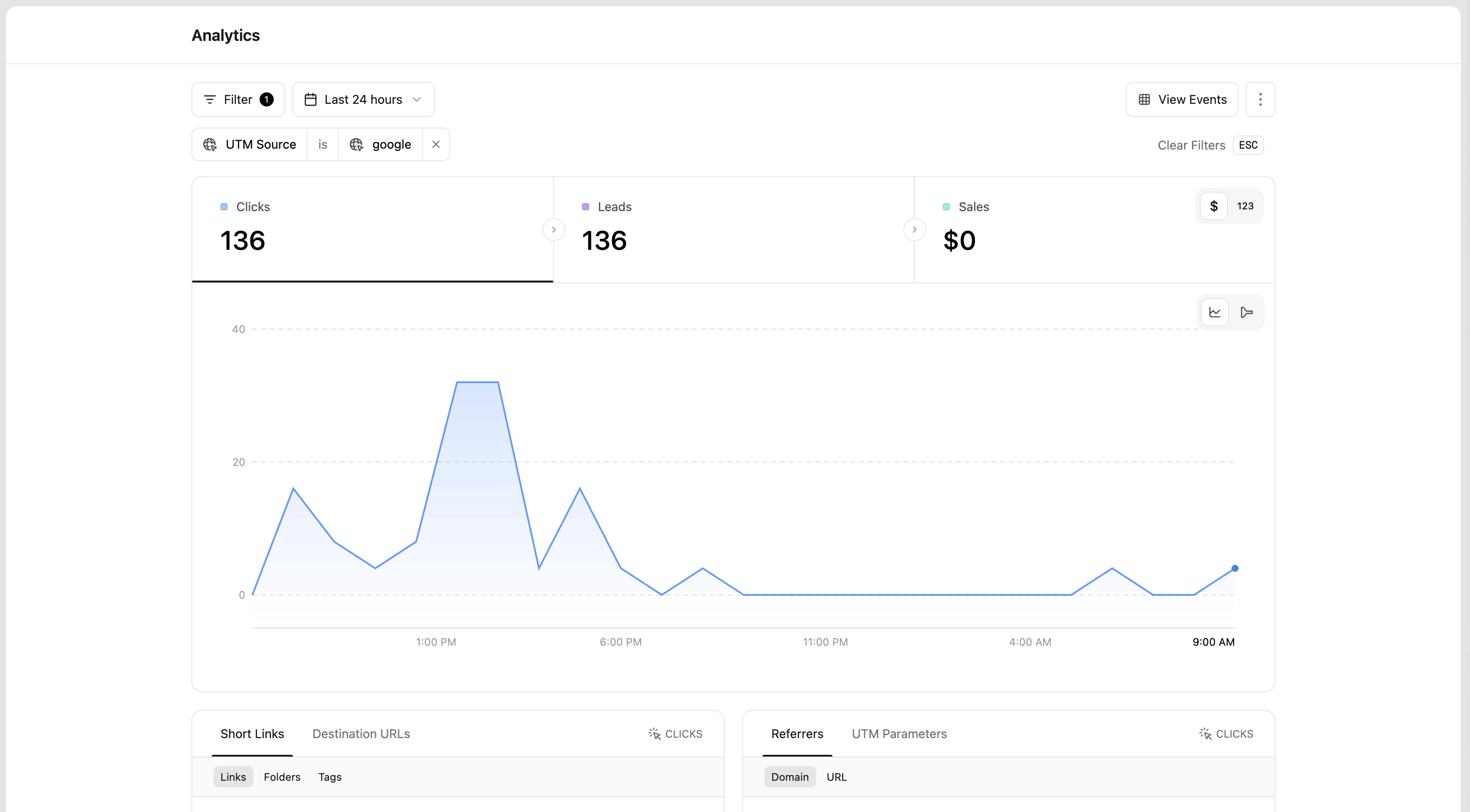
Finally, click on the UTM source you want to filter by: