How can I cancel my Dub subscription?
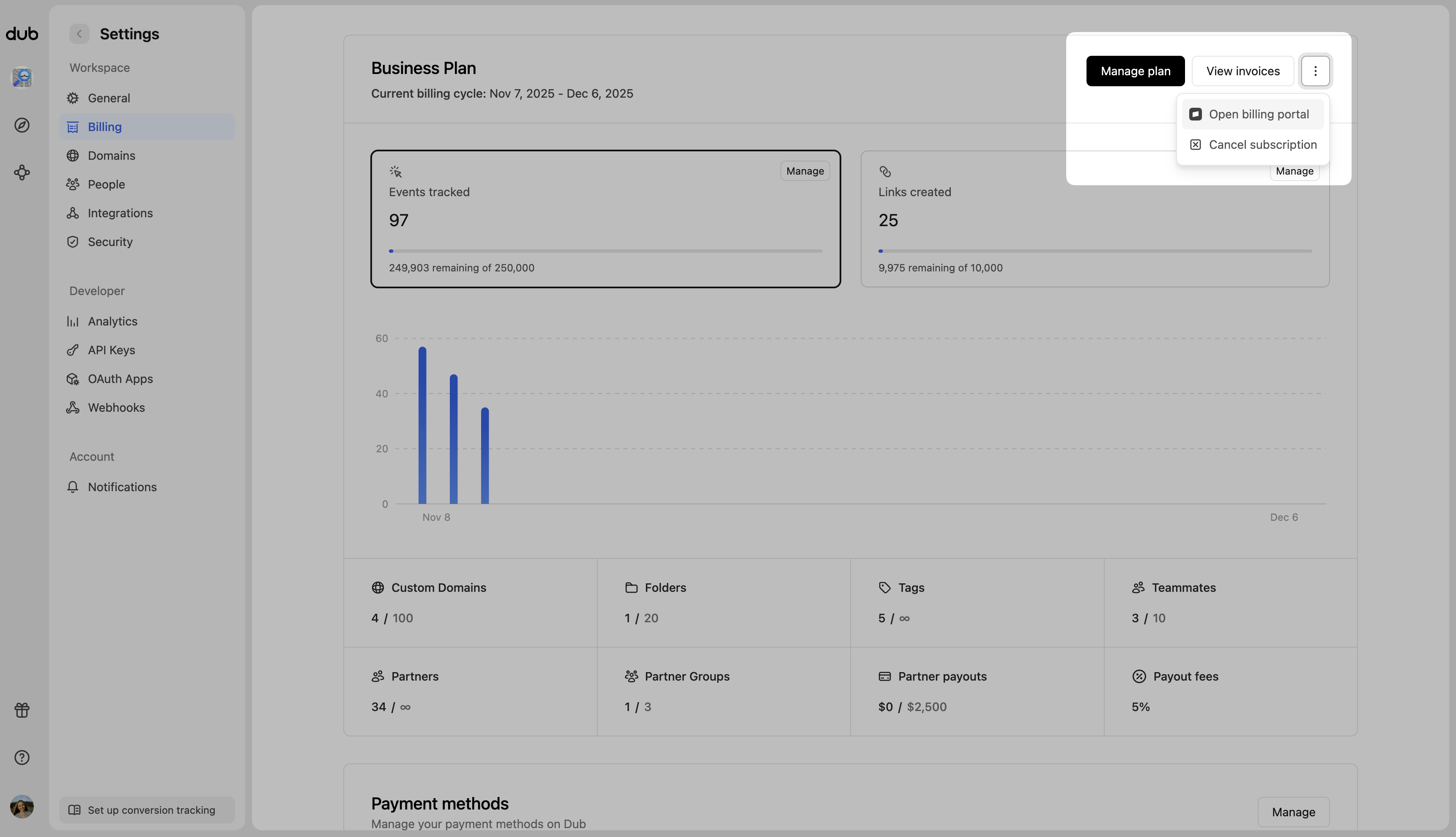
You can cancel your Dub subscription by following the steps below:- From your workspace dashboard (e.g.
app.dub.co/your-workspace), click on the Settings tab. - On the left sidebar, click on Billing.
- Click on the Cancel subscription button to cancel your subscription.
How can I downgrade my Dub subscription?
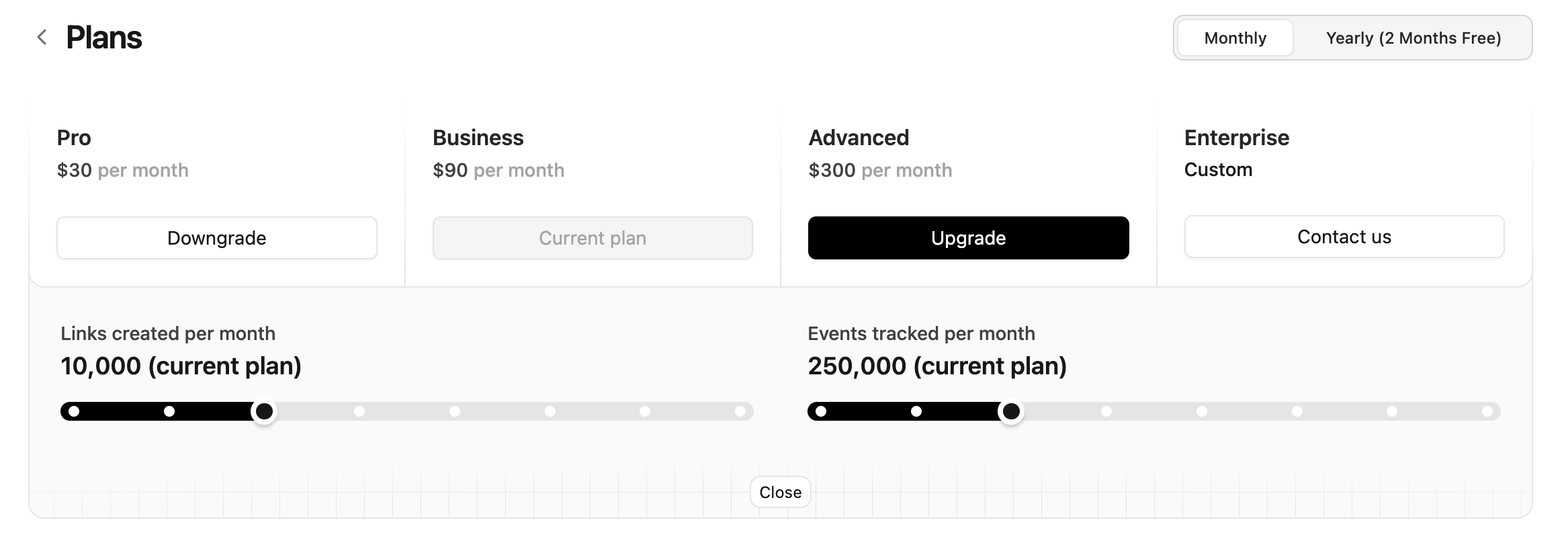
If you would like to downgrade your subscription instead, please follow these steps:- From your workspace dashboard (e.g.
app.dub.co/your-workspace), click on the Settings tab. - On the left sidebar, click on Billing.
- Click on the Manage plan button to see all available plans on Dub.
- Select the plan that works best for you. You can also click on the Adjust usage button and choose your preferred link or event usage level.