Applying to programs via the Dub Program Marketplace
Explore the Dub program marketplace to discover new programs, learn what rewards they offer, and apply to the ones that fit your content and audience.
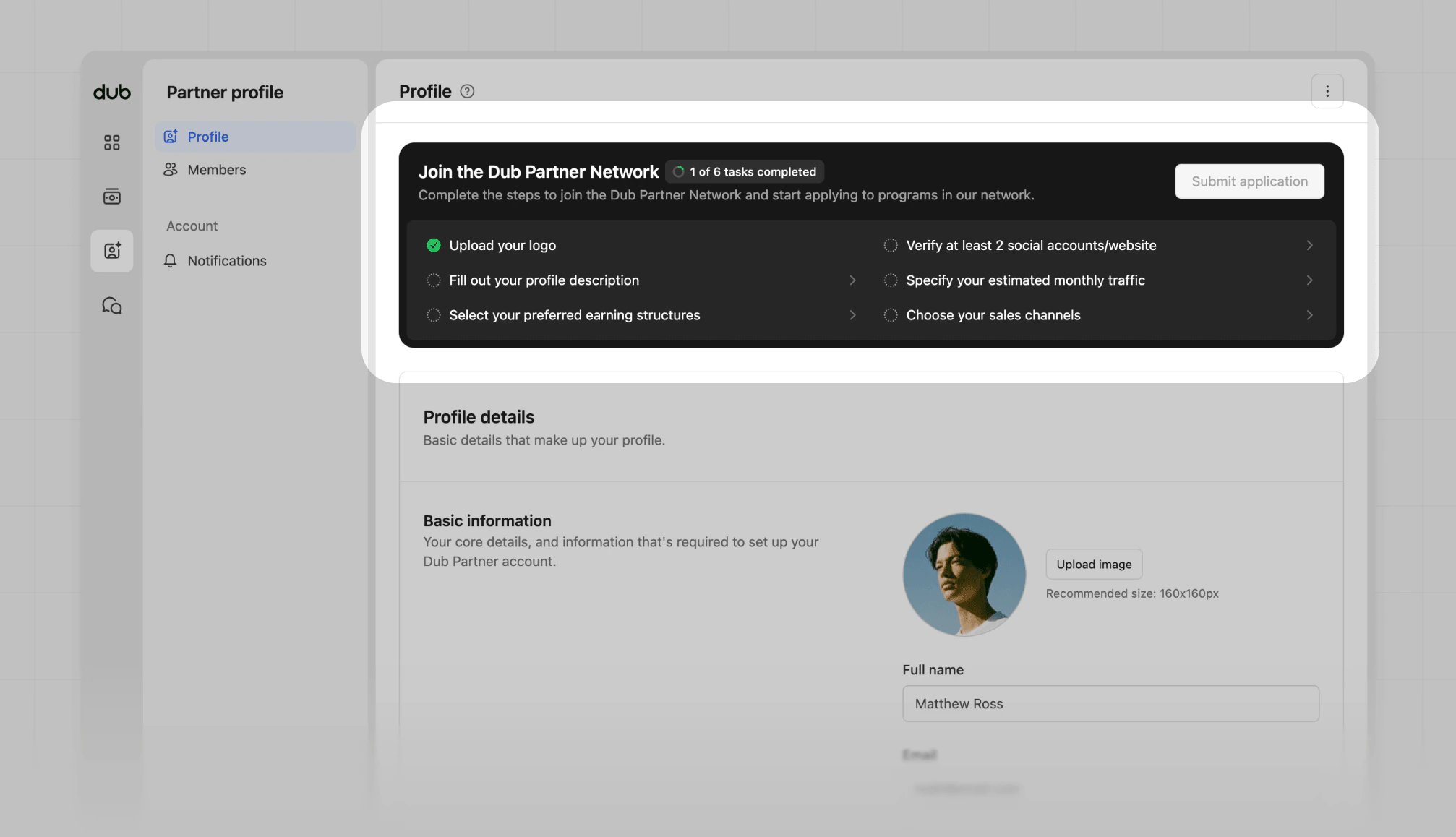
If you want to expand your partnerships or join new programs on Dub, this guide walks you through how to browse available programs, review their details, and submit an application.
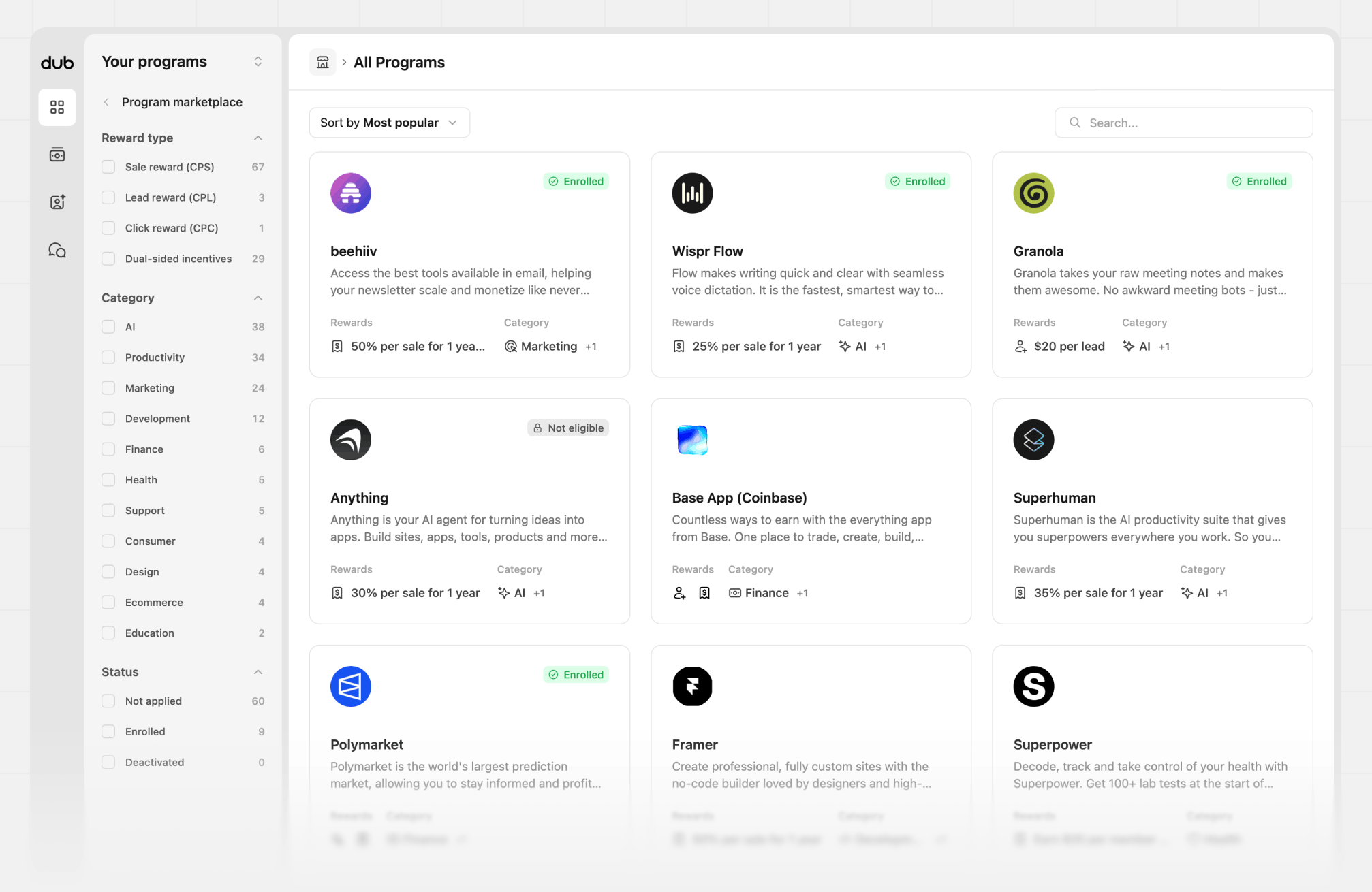
To view all programs in the marketplace, click View all programs or select a category from the list. This view will show you all the Dub programs available to apply to, along with their reward types and categories.
On the program cards, you’ll get a quick overview of the program, including the rewards offered, the program categories, a brief description of the company, and your enrolment status. Hover over some of the details to see more information.
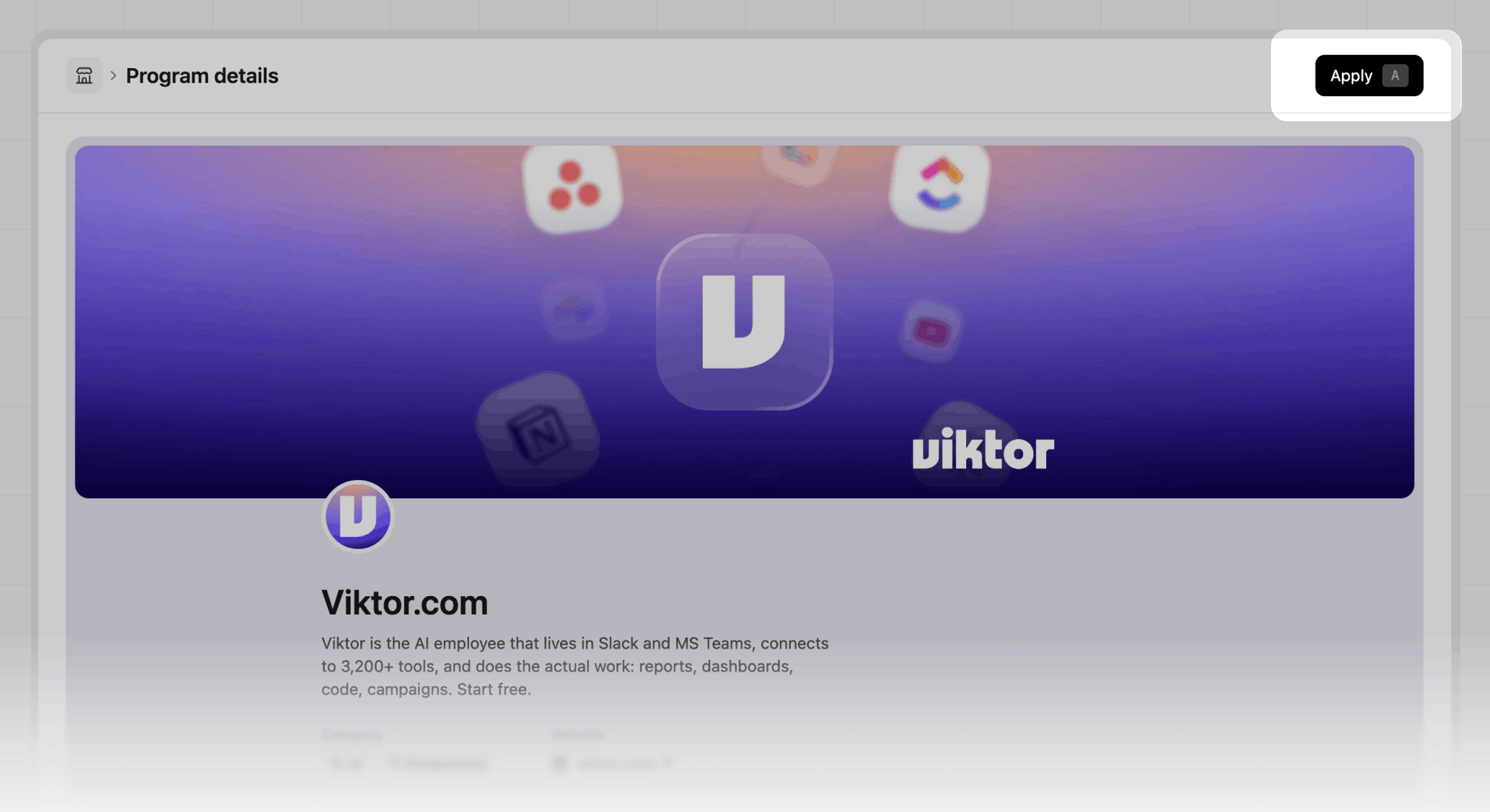
Click the program card to view the full details of the program.
You can also sort the results by most popular, newest, or alphabetical order. By default the grid is sorted by most popular, giving a sense of what programs to apply to first.