

Remote MCP Server (recommended)
Dub’s MCP server is hosted at:- Claude
- ChatGPT
- Cursor
- Copilot
- Windsurf
- Warp
You can install the Dub MCP server as a custom connector in
Claude:To install only the MCP server, add it manually in Claude (web or desktop) from Settings > Connectors > Add custom connector:
If your client runs somewhere a browser login isn’t possible (a server, CI, or a headless agent), pass a Dub API key in the
Mcp-Dub-Token header instead of using OAuth.
- Claude Code
- JSON config
Local MCP Server
If your MCP client doesn’t support connecting directly to a remote HTTP endpoint, usemcp-remote to run a local process that proxies requests to Dub’s hosted server. You can integrate it into any supported MCP client using npx. You’ll need a Dub API key.
Choose your client below to get started. Remember to replace dub_xxxxxx with your actual API key.
Stdio Transport (Default)
- Claude Code
- Codex
- Claude Desktop
- Copilot
- Gemini CLI
- OpenCode
- Windsurf
- Warp
Environment variables
MCP_DUB_TOKEN: Your Dub API key (used bymcp-remoteand referenced in client configs as${MCP_DUB_TOKEN})
Store your API key in the
env block or an environment variable rather than
hardcoding it in shared config files when possible.MCP Server tools
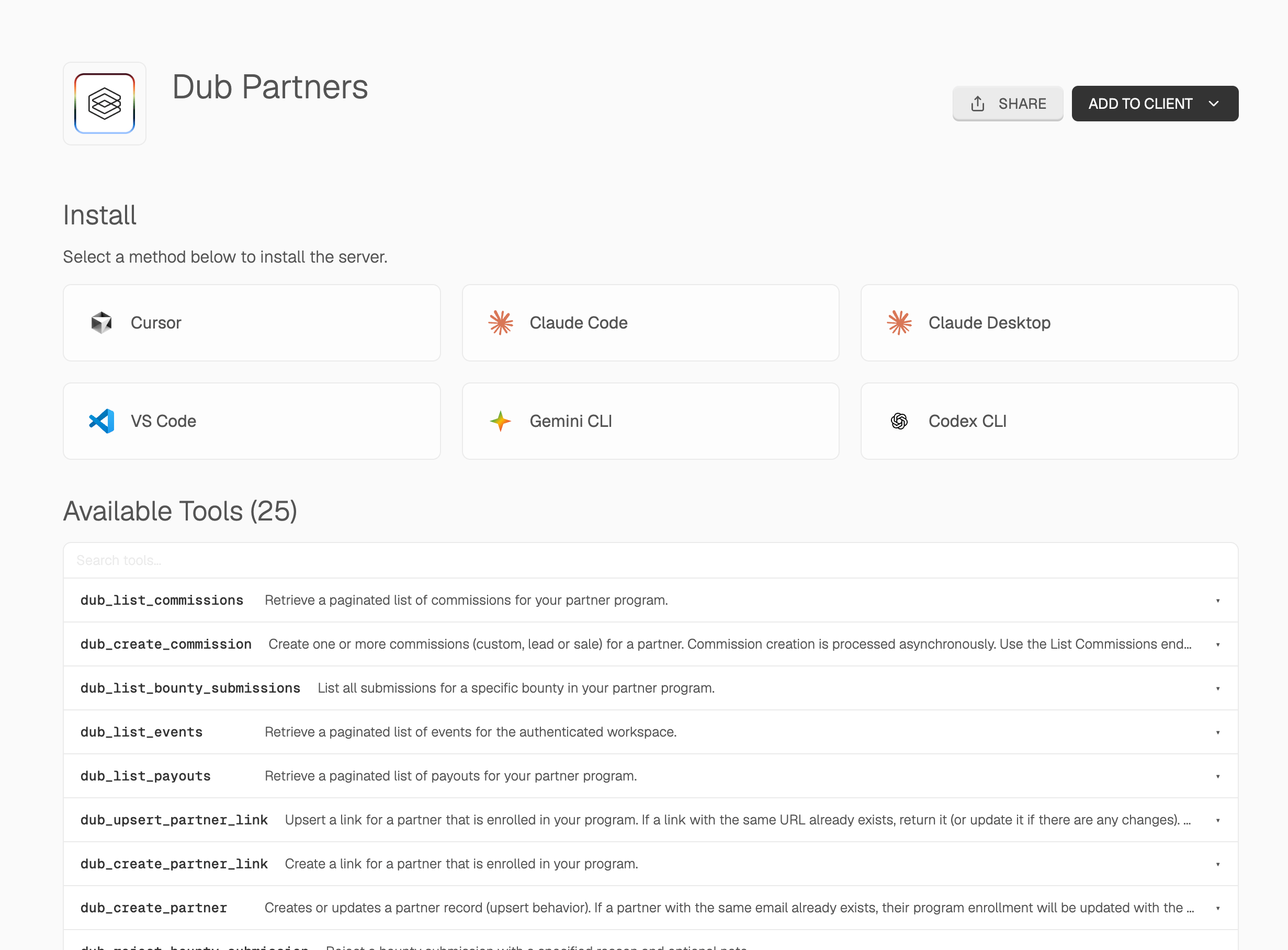
The Dub MCP server gives your AI agent native access to the full Dub platform through a single integration. You can manage your partner program, review applications, update commissions, and track attribution using natural language.- Partners — Create or update partners, list all partners, deactivate, or ban partners from your program
- Partner links — Create and upsert links for enrolled partners
- Program applications — List, approve, and reject pending program applications
- Analytics — Retrieve analytics and list events for any partner, partner groups, or their specific links
- Customers — List, retrieve, update, and delete customers
- Tracking — Track lead, sale, and deep link open events
- Bounties — List, approve, and reject bounty submissions
- Commissions — List and update commissions (e.g. for refunds or fraud)
- Payouts — List payouts for your partner program
- Triage pending program applications and approve or reject them in bulk
- Adjust commissions after a refund or flag suspicious activity
- Pull attribution analytics for a top partner or partner group
- Create partner links and track lead or sale conversion events