

A/B testing is only available on Business plans and higher. View all pricing
plans.
What is A/B testing?
A/B testing is a method of comparing two or more variations of a destination URL to see which performs better. It works by randomly redirecting users who click the same short link to different target URLs, then measuring which version gets better results based on metrics.If you combine A/B testing with device targeting or geo targeting on the same link, the targeting rules are evaluated in this order:
- Device targeting (iOS/Android) – checked first
- Geo targeting – checked next
- A/B testing – applied last
Where to find A/B testing?
When the link builder is open, you’ll find the A/B test button in the bottom action row. Click to open the dialogue.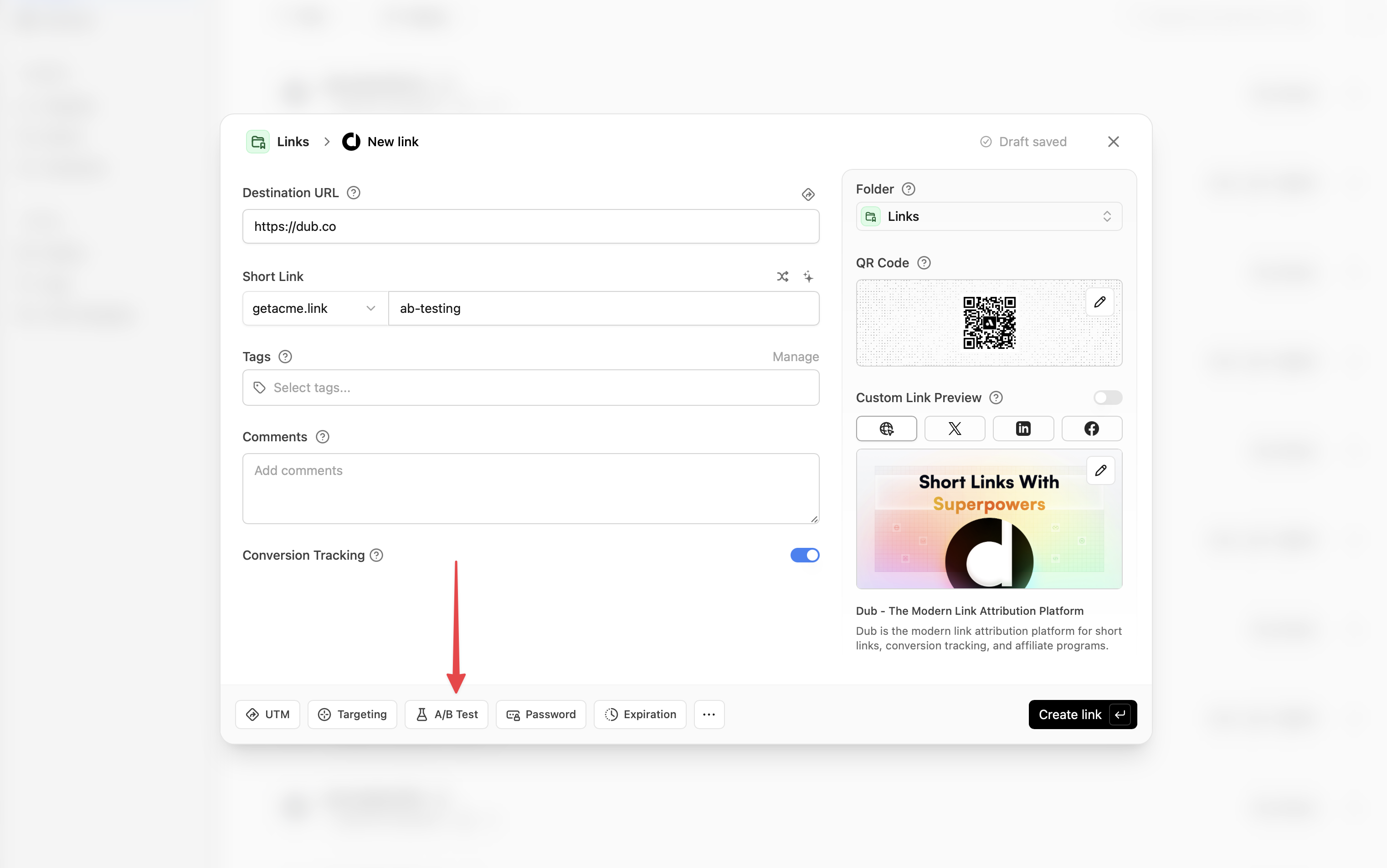
A/B testing builder
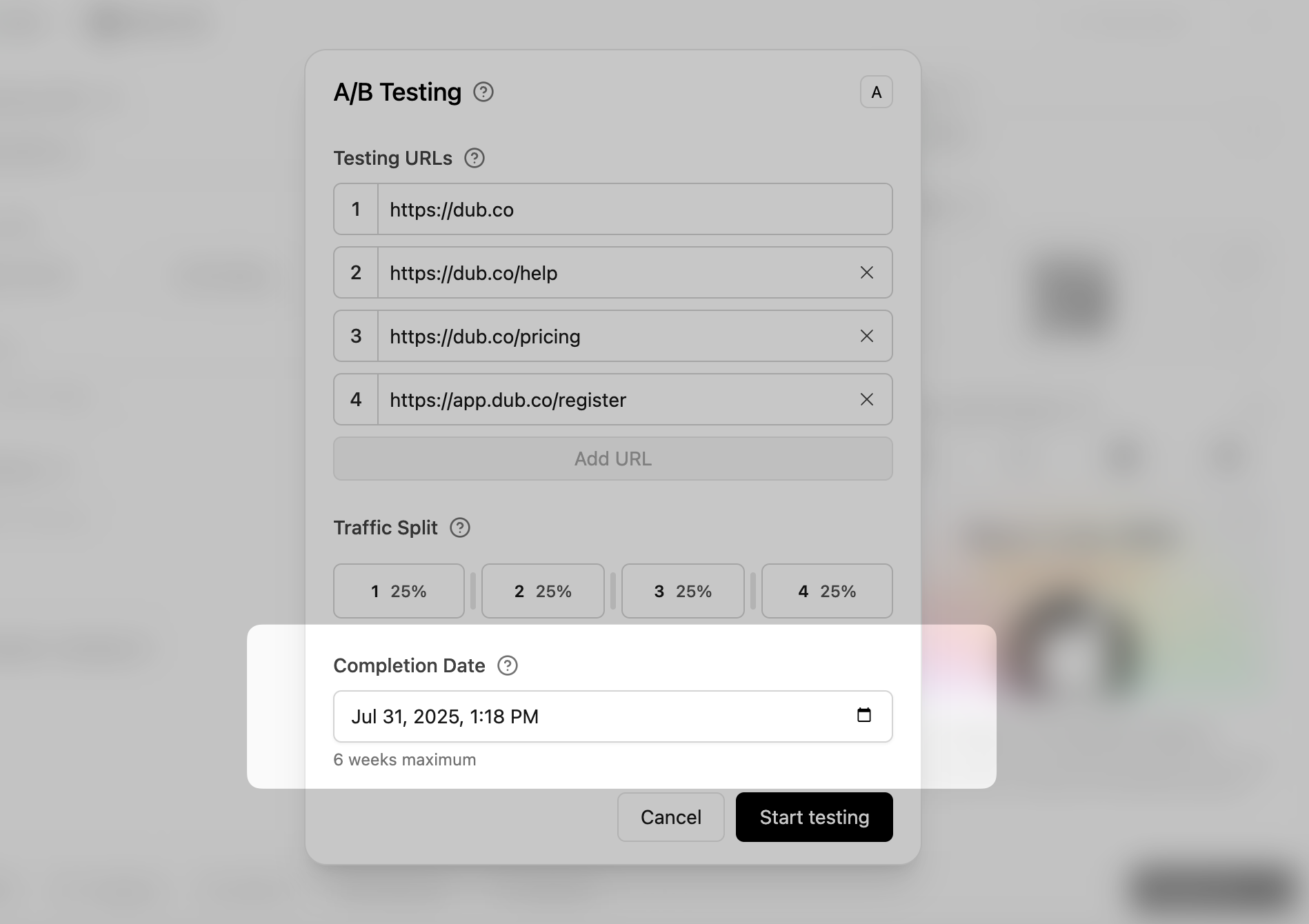
With the builder open, you are able to add additional destination URLs, set the traffic percentage, and set the completion date. A minimum of 2 URLs is required to create the test.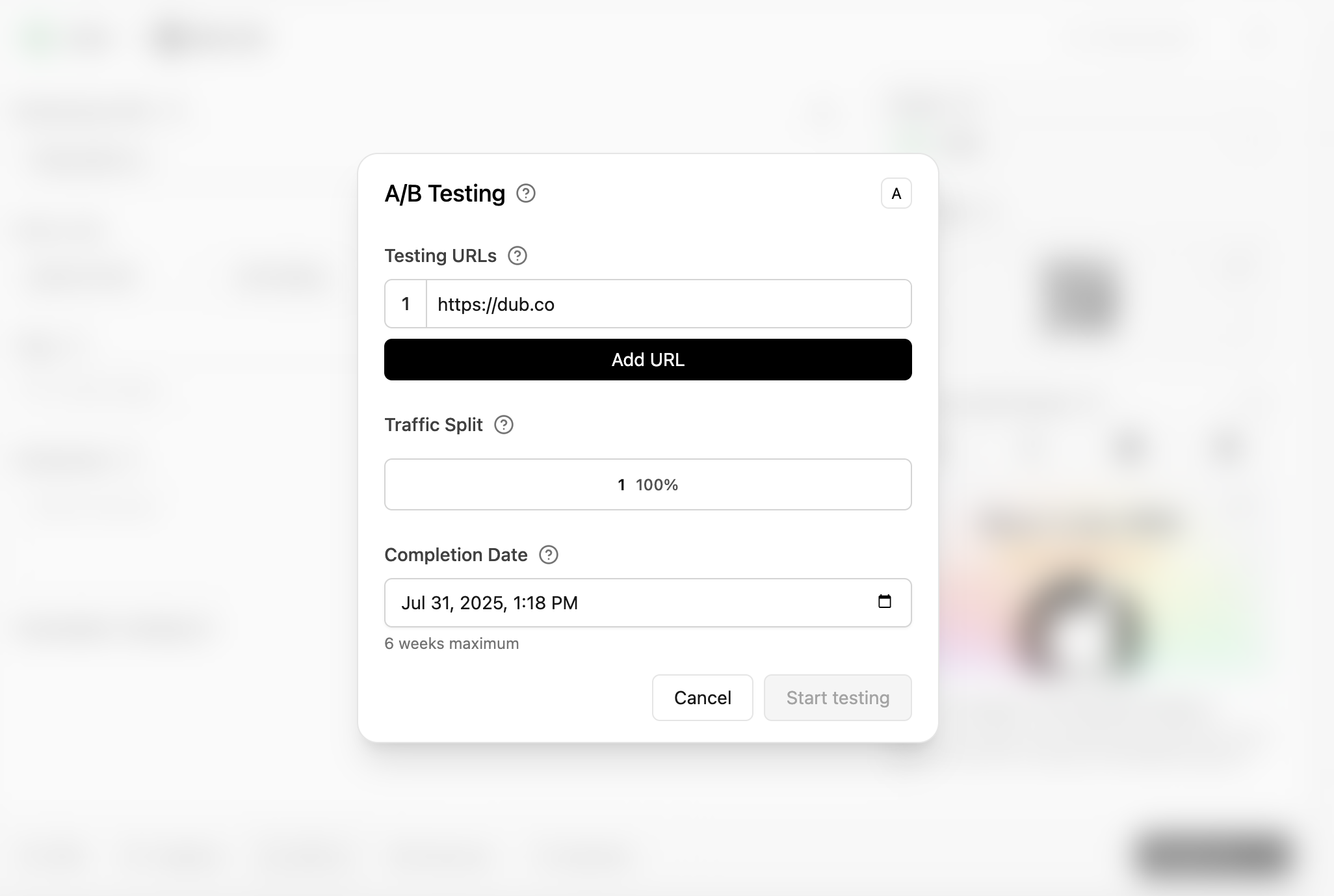
Testing URLs
You can enter a maximum of 4 additional testing URLs that you’d like to send your traffic to.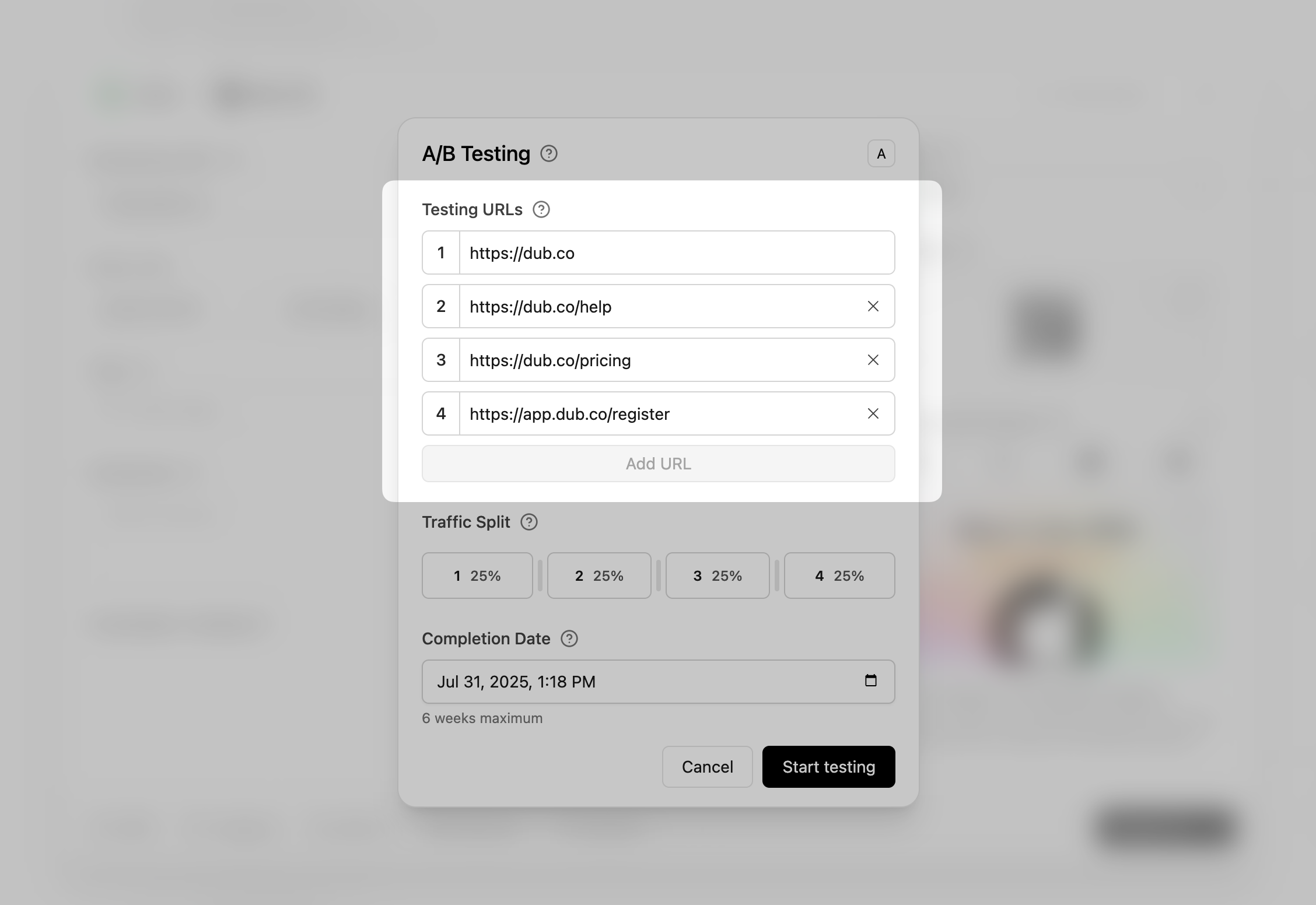
X icon to the right of each input to remove it.
Traffic split
By default, the traffic is split evenly between each of the URLs, but this can be changed depending on your preference.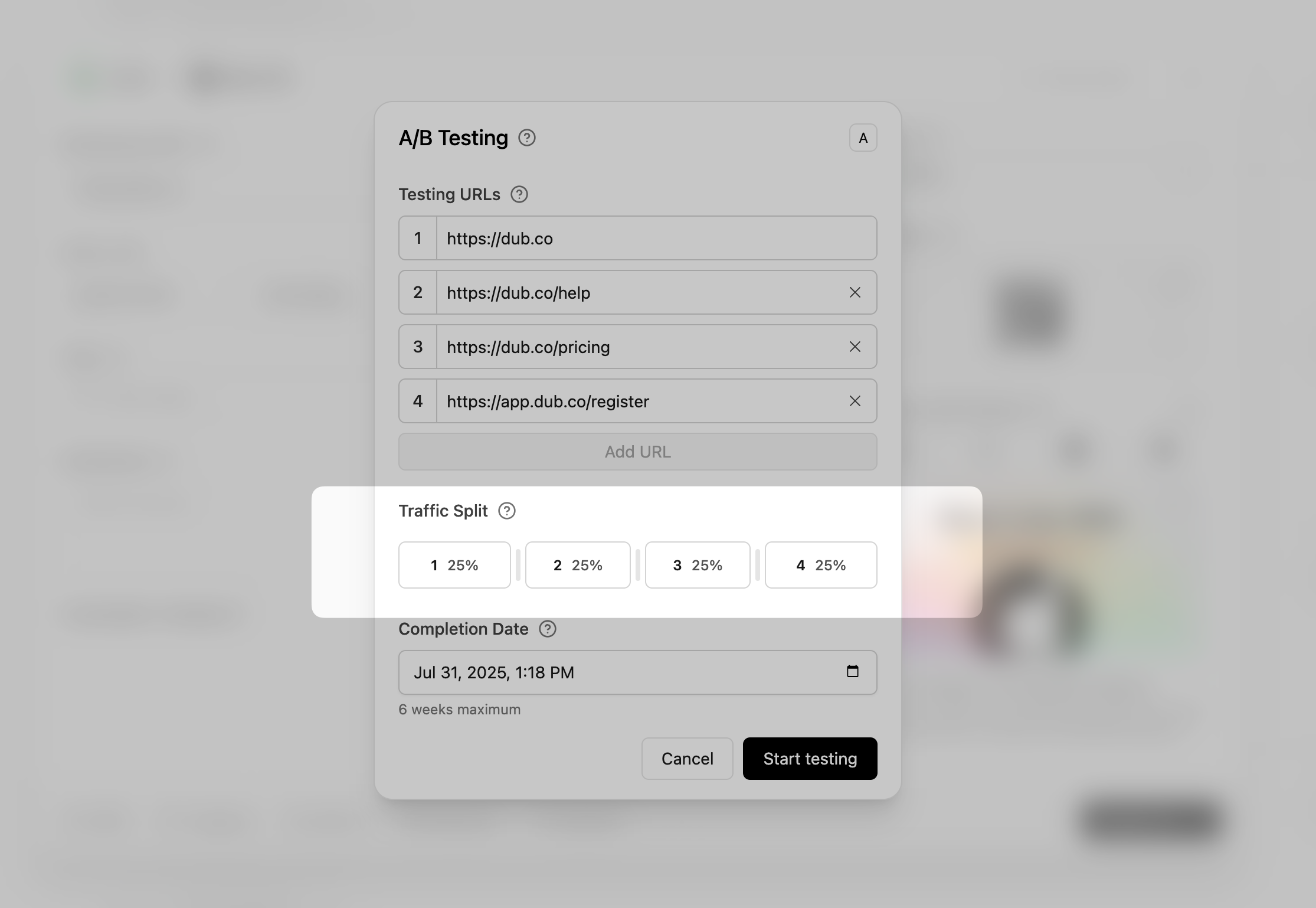
Active A/B tests
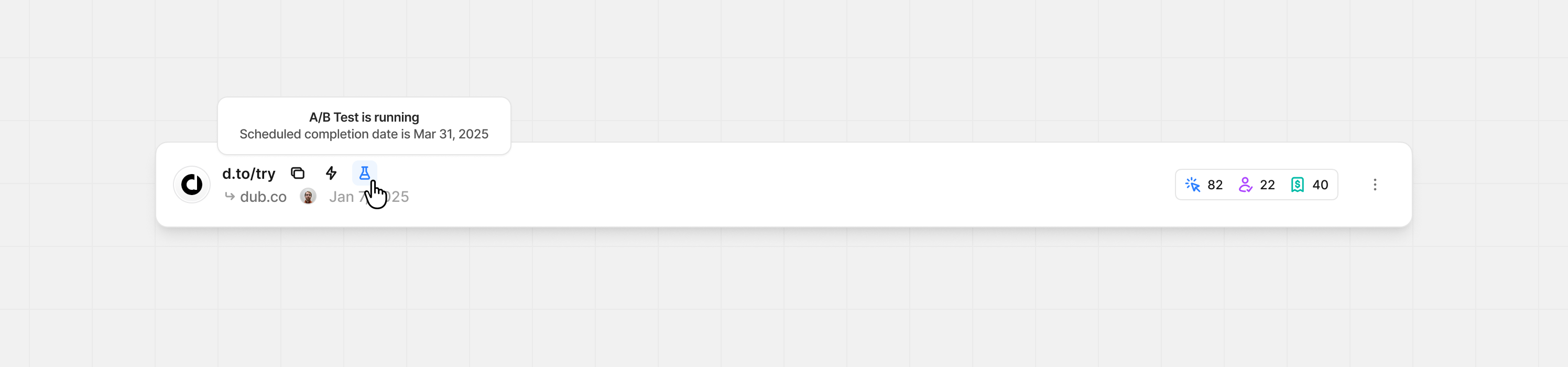
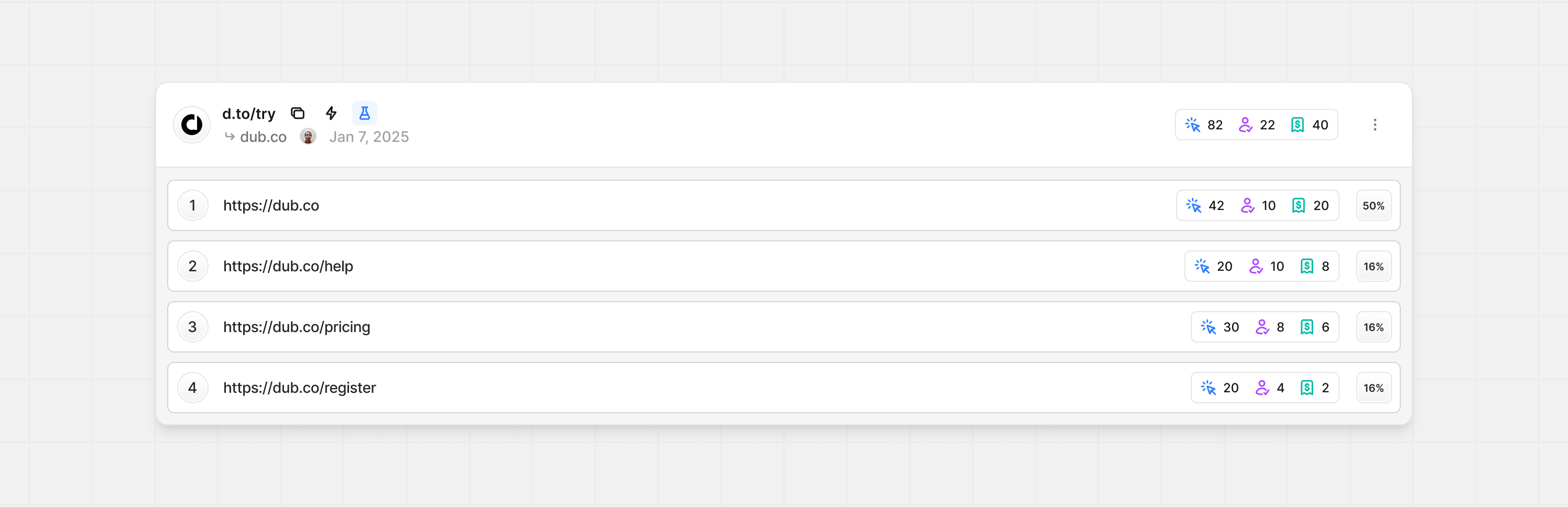
While an A/B test is active, aflask icon is shown on each link. You can see this while viewing all your links.
Completing A/B tests
There are two ways A/B tests can be completed. They can either be manually ended early or the scheduled completion date passes.1
Completion date has passed
By default, your A/B test will complete when the scheduled date passes. Here’s how the new destination URL is selected:
- Select the link with the highest amount of conversions
- If conversions are tied, select the link with the highest conversion rate (conversions ÷ clicks)
- If still tied, select the link with the highest clicks
OR - If no conversions are recorded or tracked- Select the link with the highest number of leads
- If leads are tied, select the link with the highest lead rate (leads ÷ clicks)
- If still tied, select the link with the highest clicks
2
Ending the test manually
To end your test before the scheduled date, open your A/B settings and click End A/B test in the bottom left of the modal.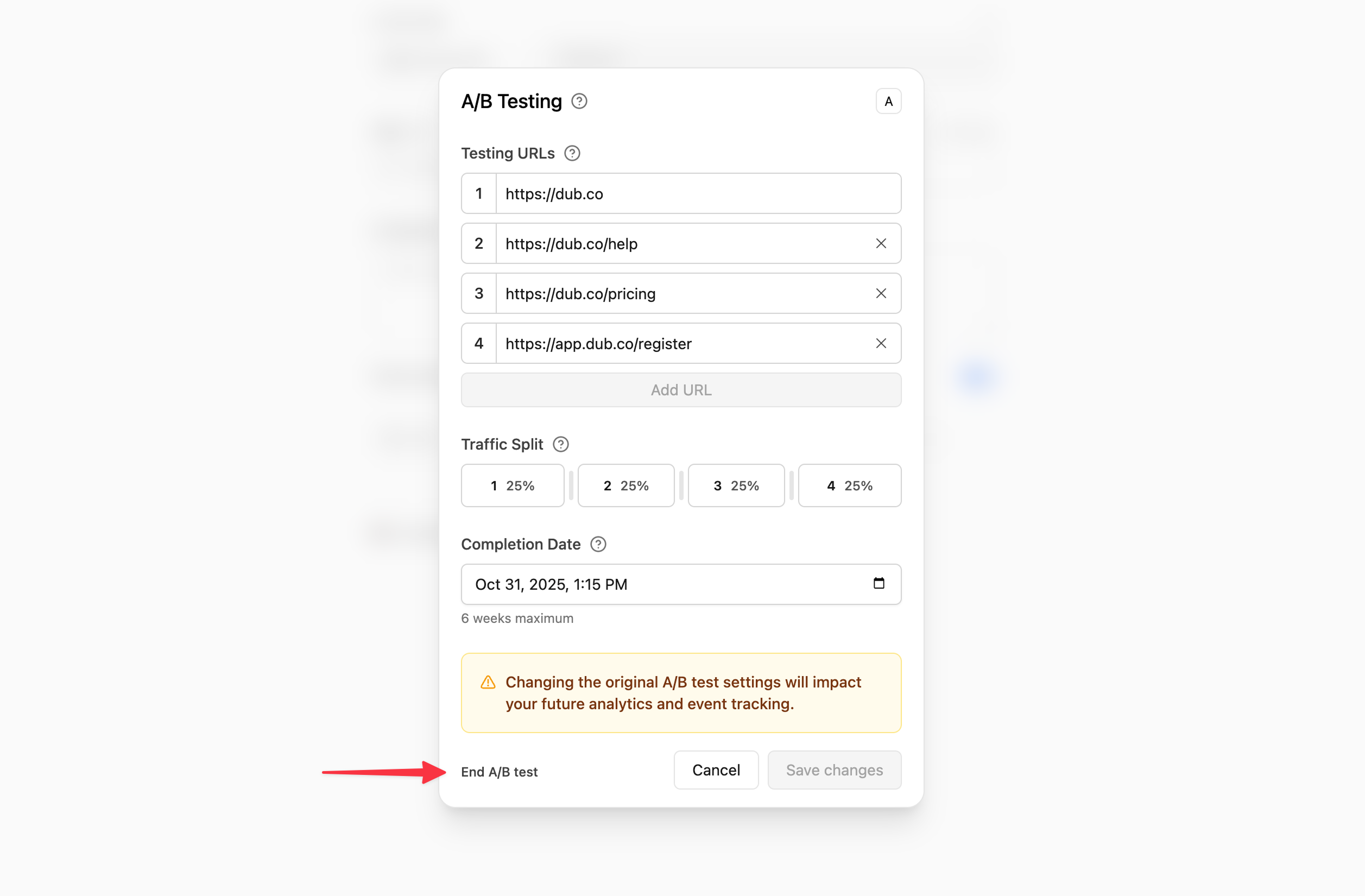 From here, you’ll select the new destination URL for your short link.
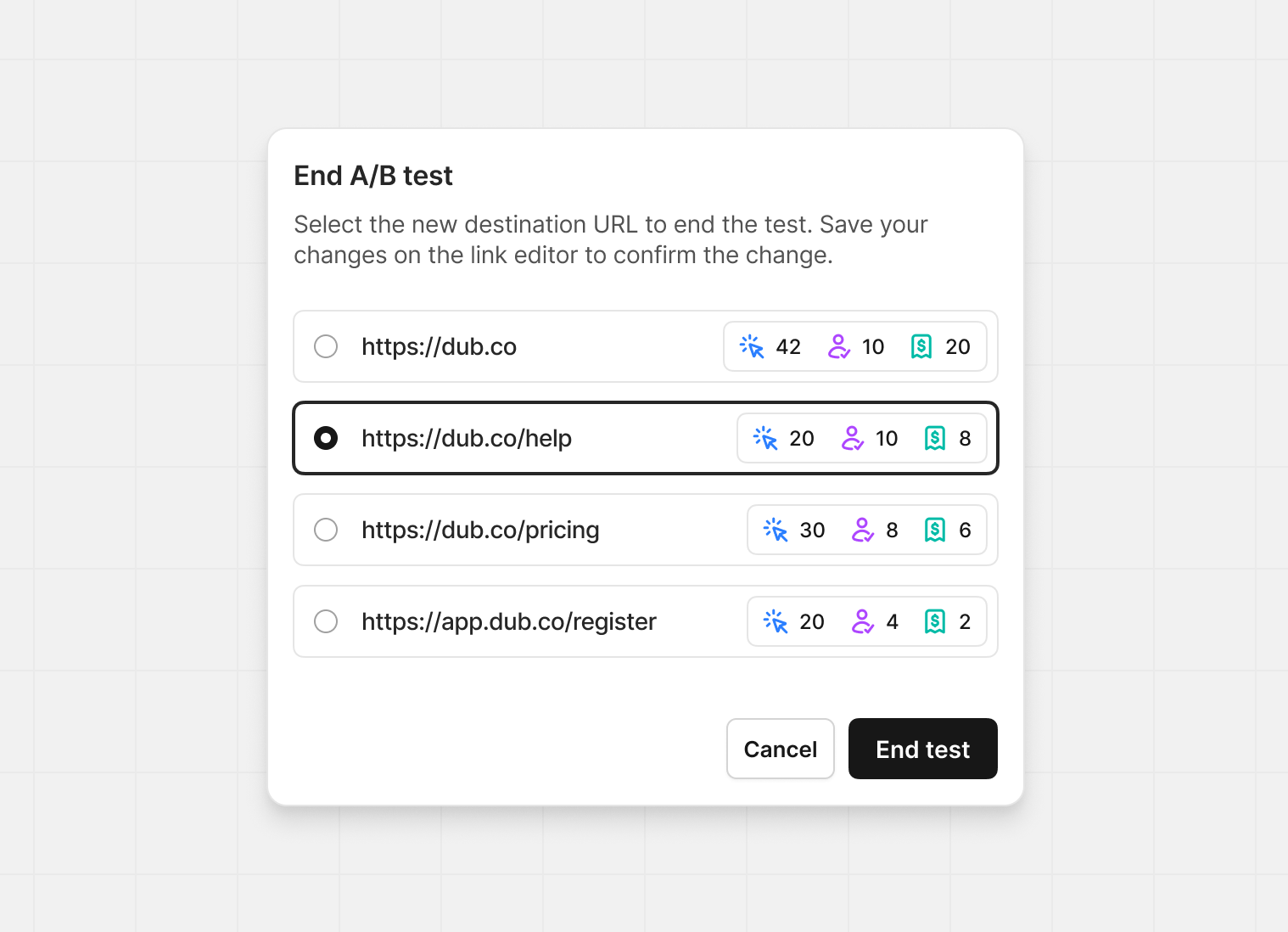 After clicking End test, make sure to save your link changes in the next
screen to confirm the changes.
After clicking End test, make sure to save your link changes in the next
screen to confirm the changes.