

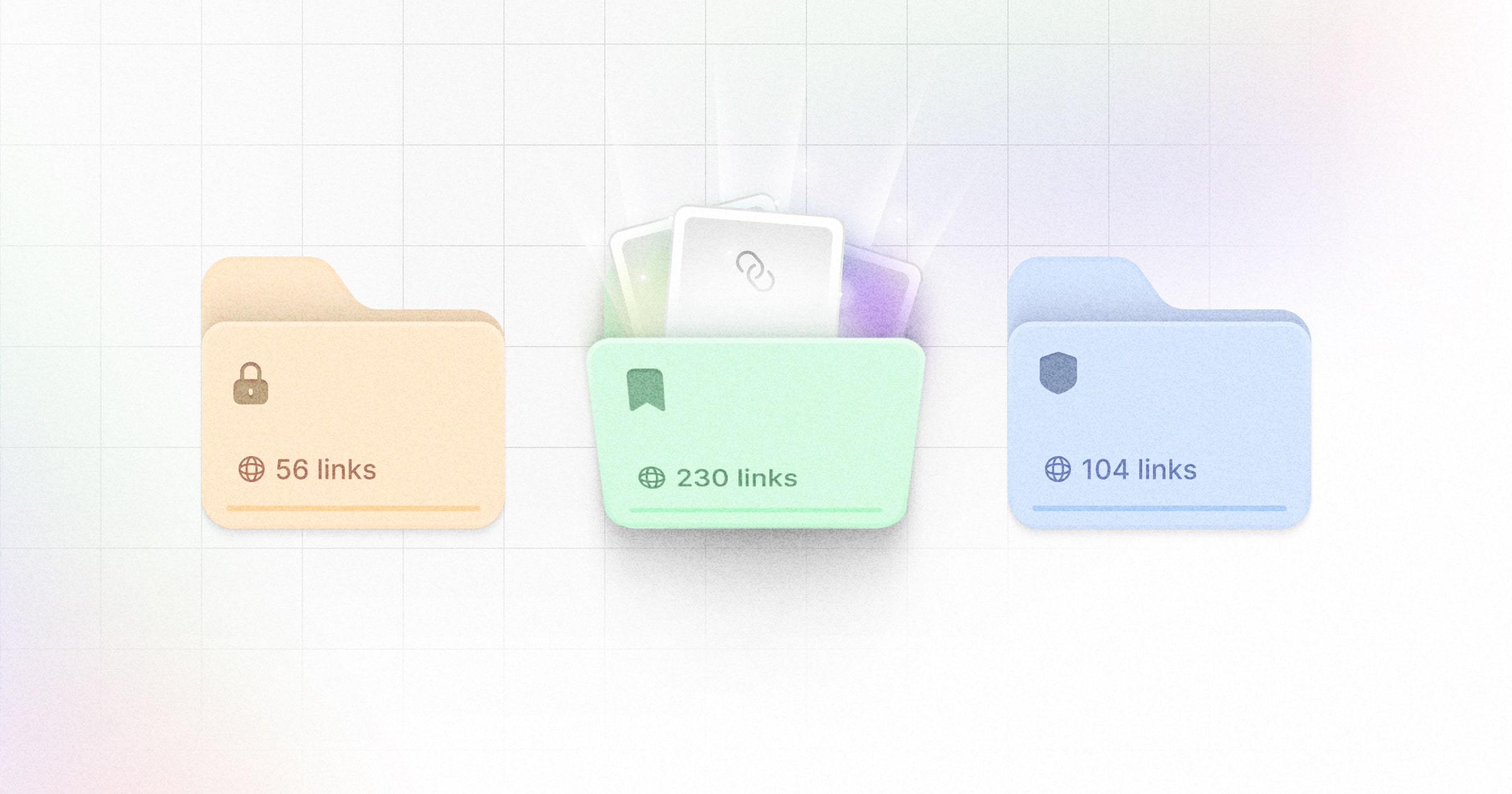
- Organize links by marketing channels. E.g. if you’re using Dub for both your affiliate program and for SMS marketing, you can create folders for both so those links doesn’t clutter your main links dashboard.
- Manage access to links across your team. E.g. if you have marketing teams from different departments within your Dub workspace, you can create folders for each team with role-based access controls to ensure members can only see the links that they should have access to.
Creating a folder
There are a few ways you can create a new folder:1
In your links dashboard
You can quickly create a new folder within your links dashboard: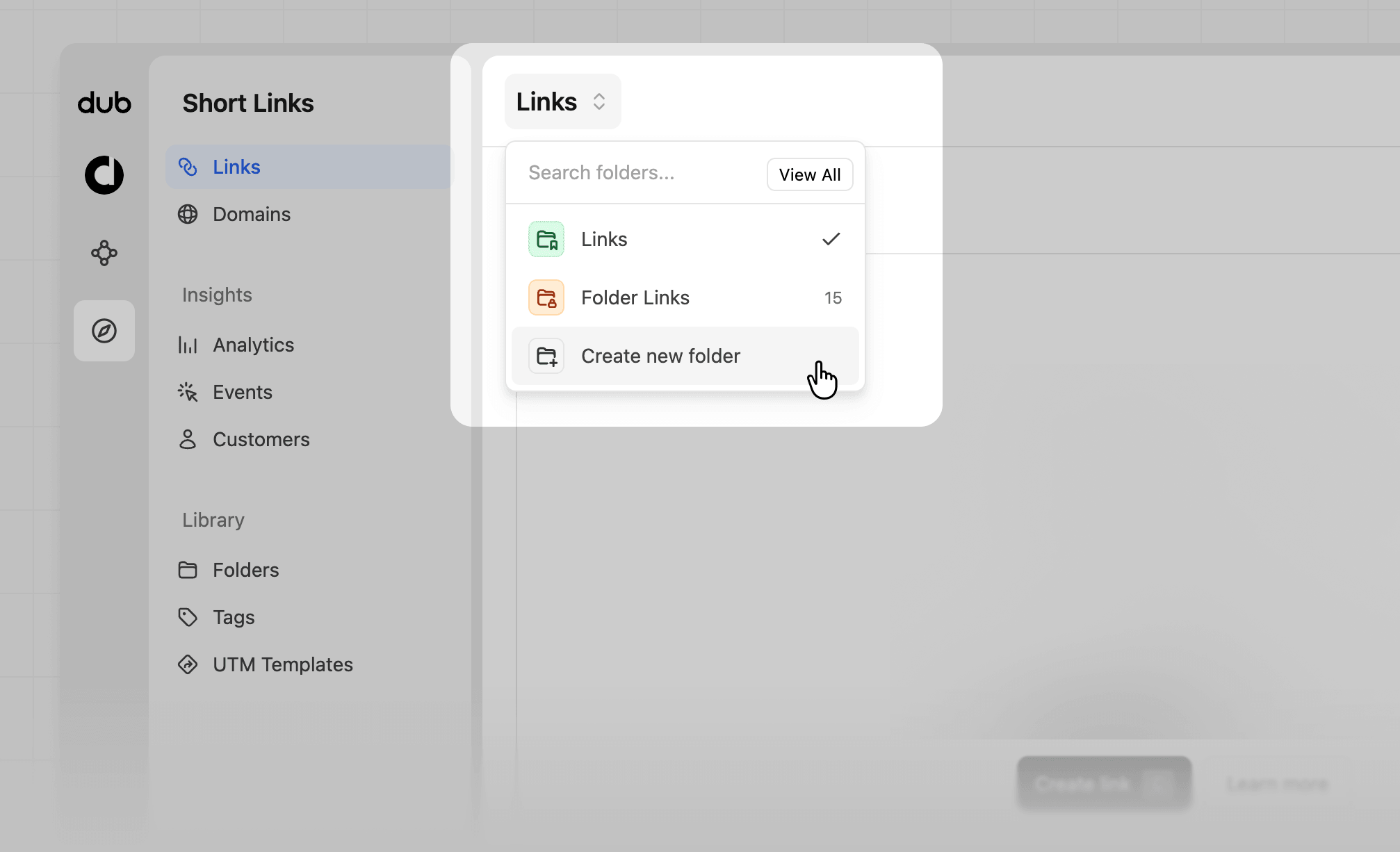
2
In the link builder
You can also create a new folder directly inside the link builder: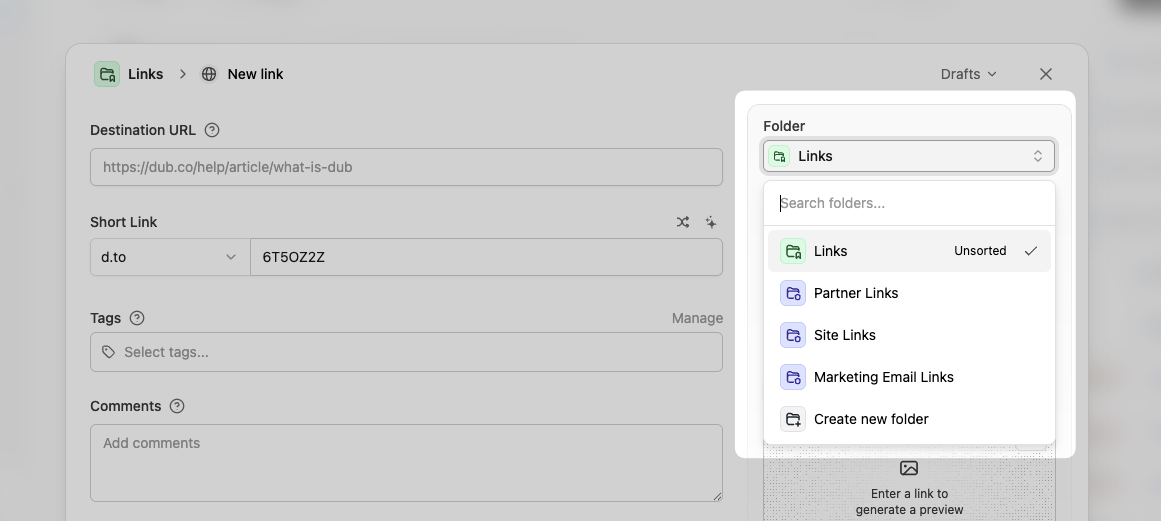
3
In the folder library
Last but not least, you can also create a folder inside your folder library: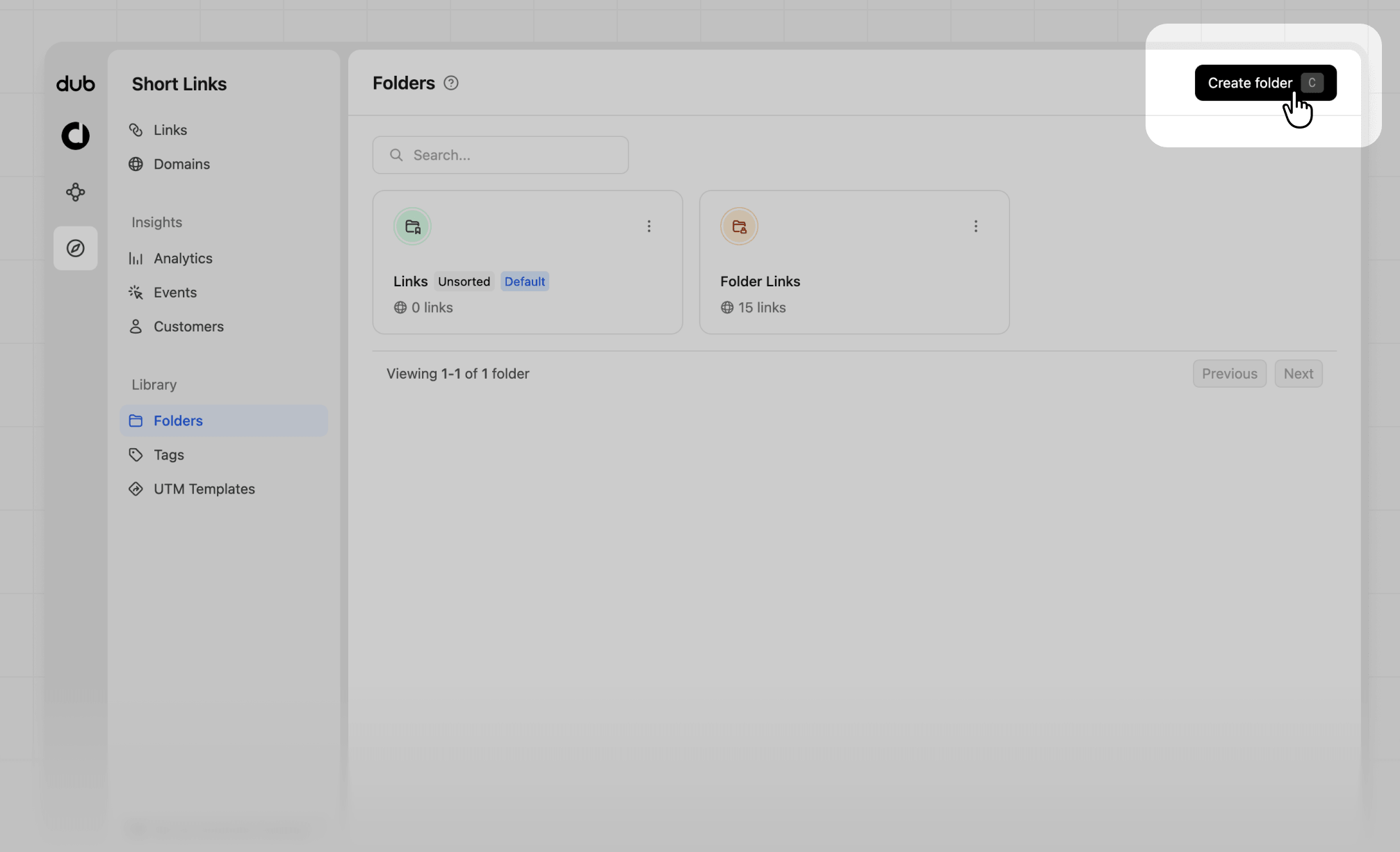
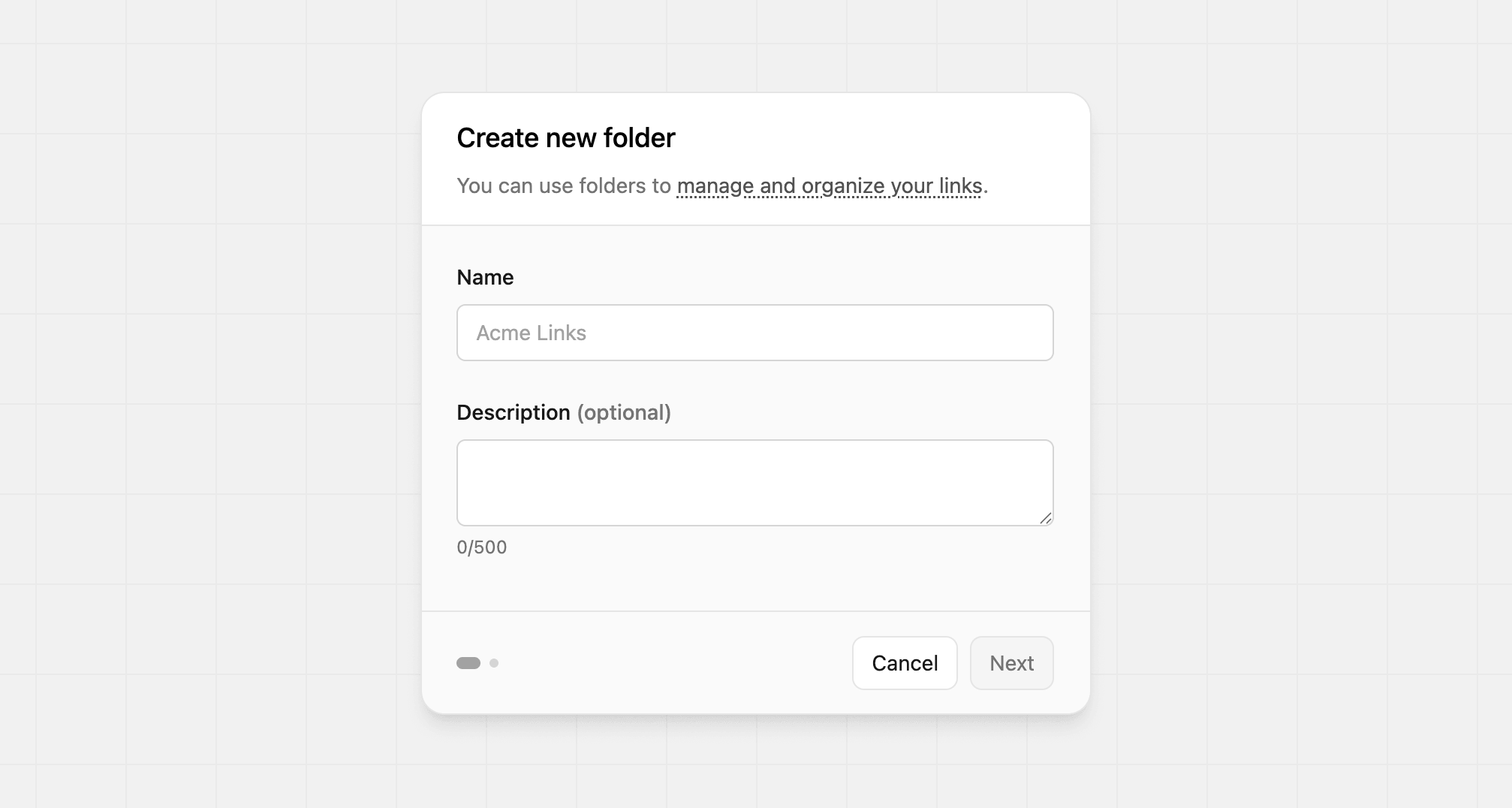
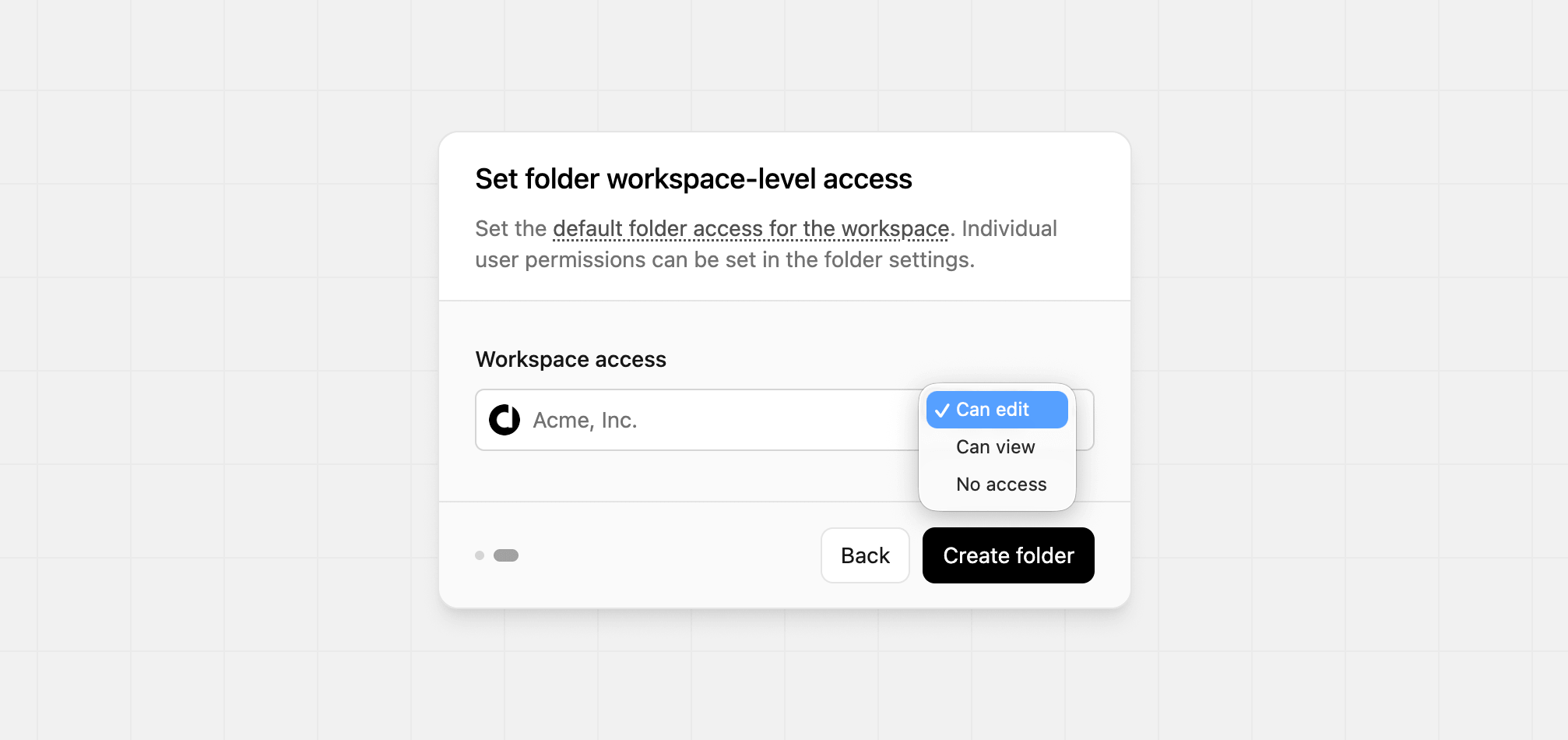
Adding links to a folder
To add links to a folder, simply select the folder you want to move the link to within the link edit page and click “Save changes”: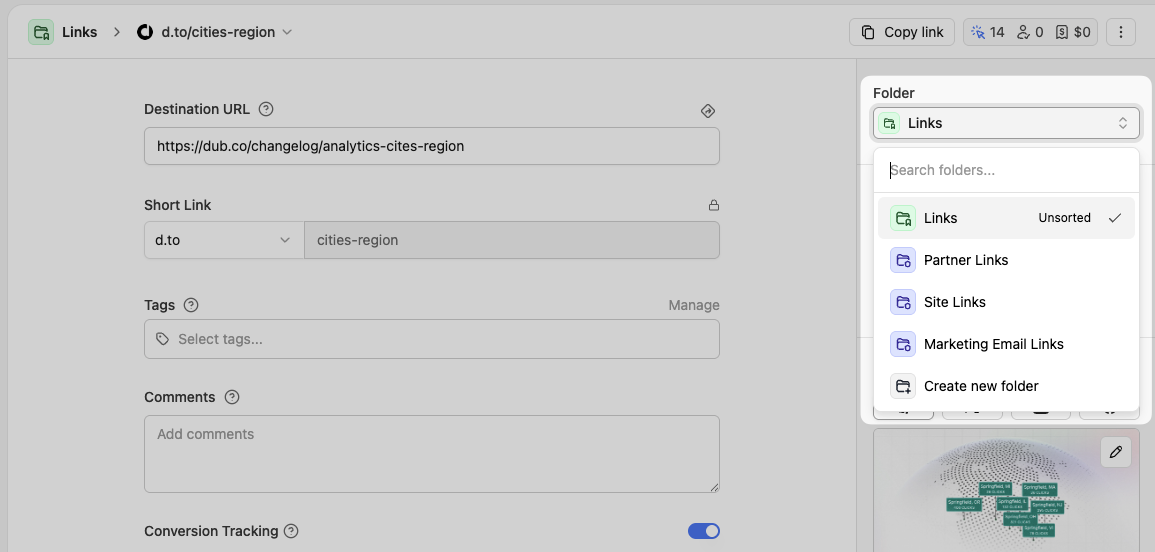
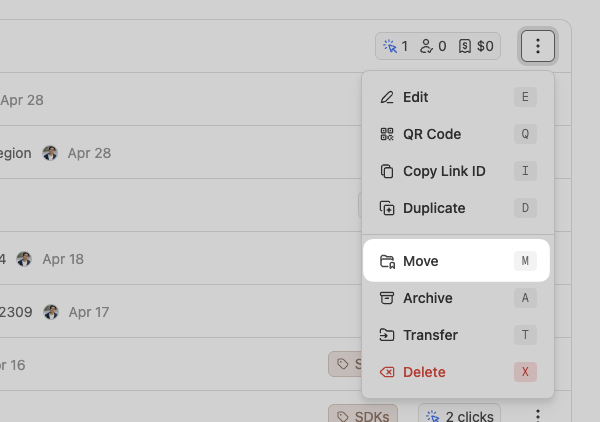
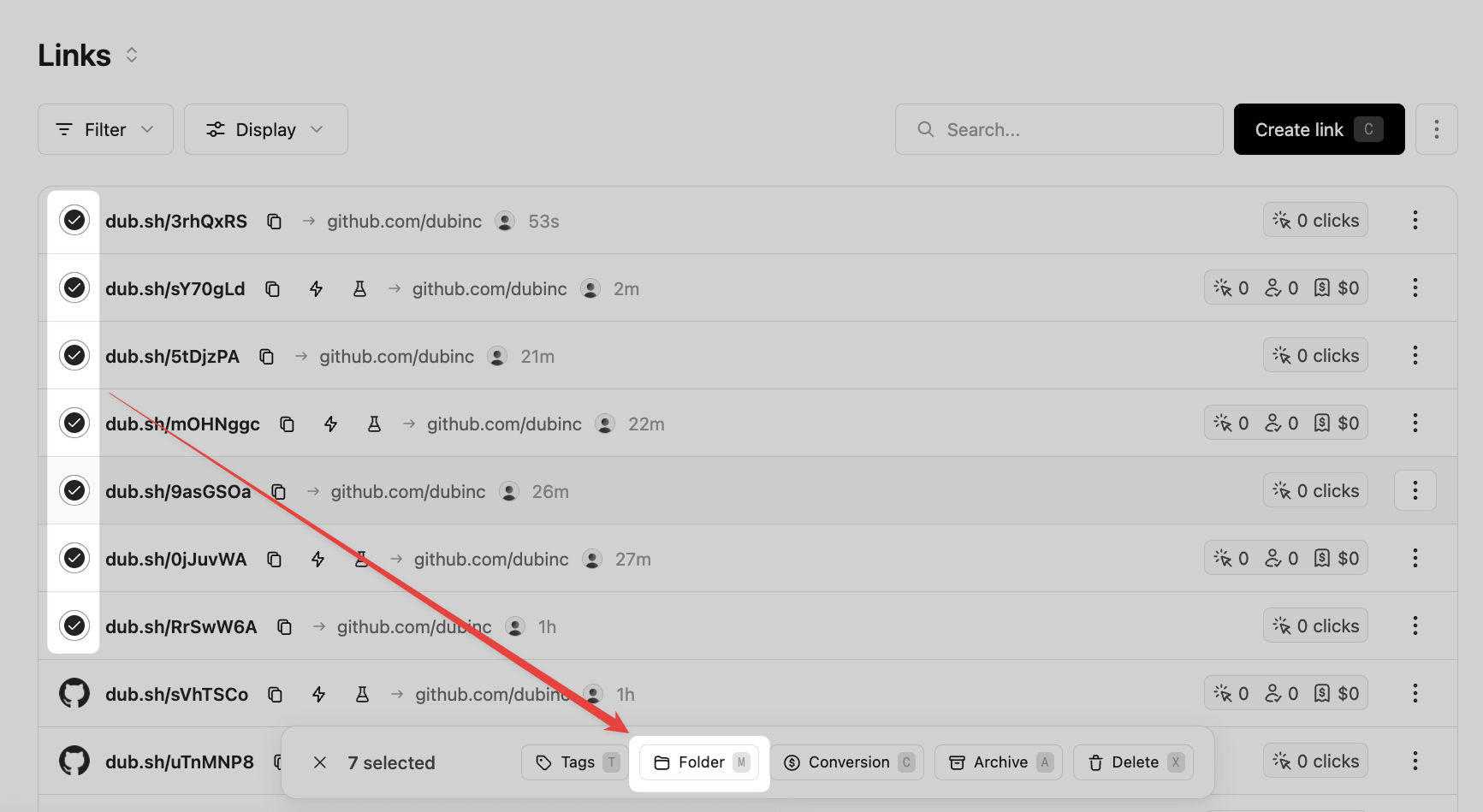
Setting a default folder
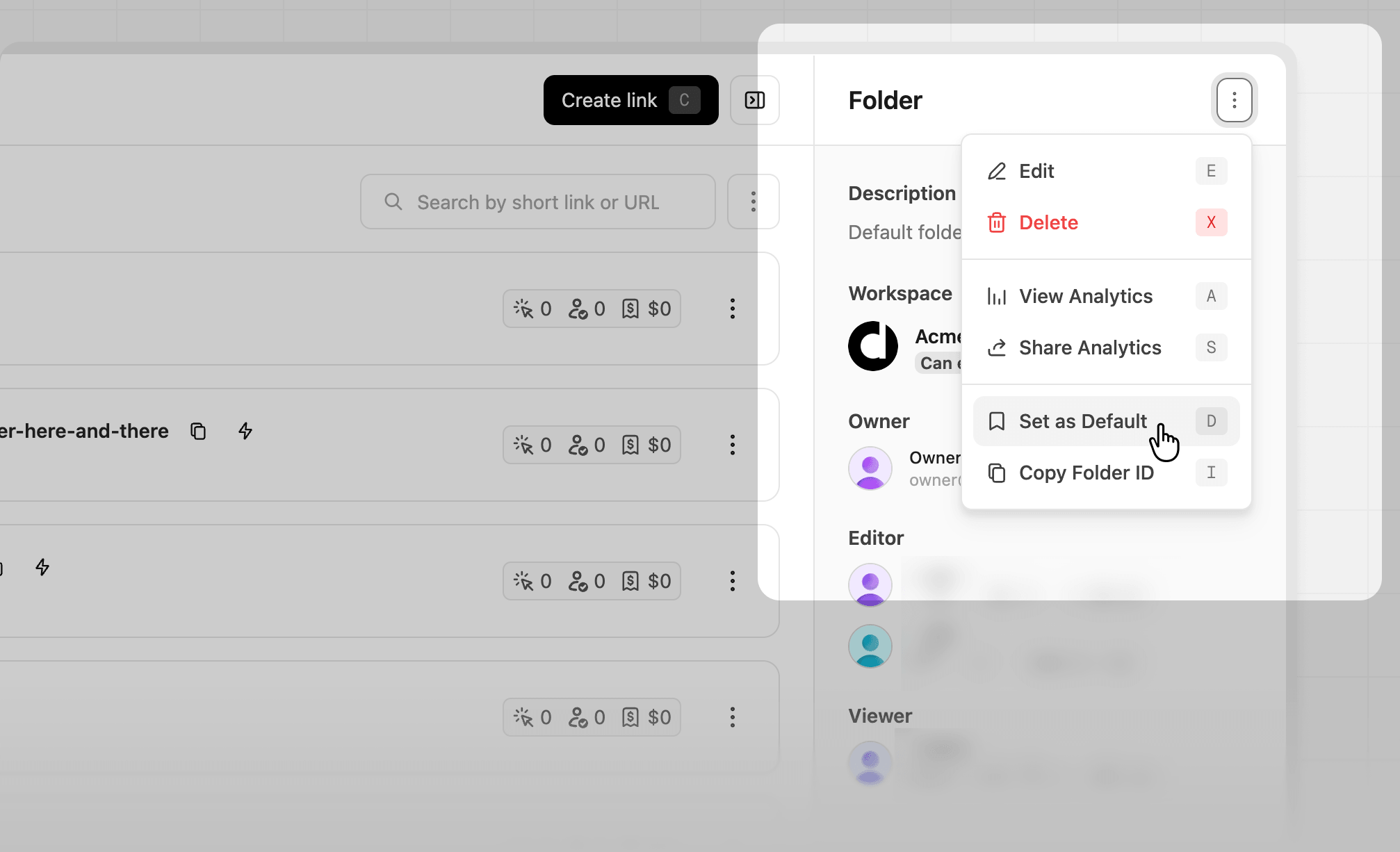
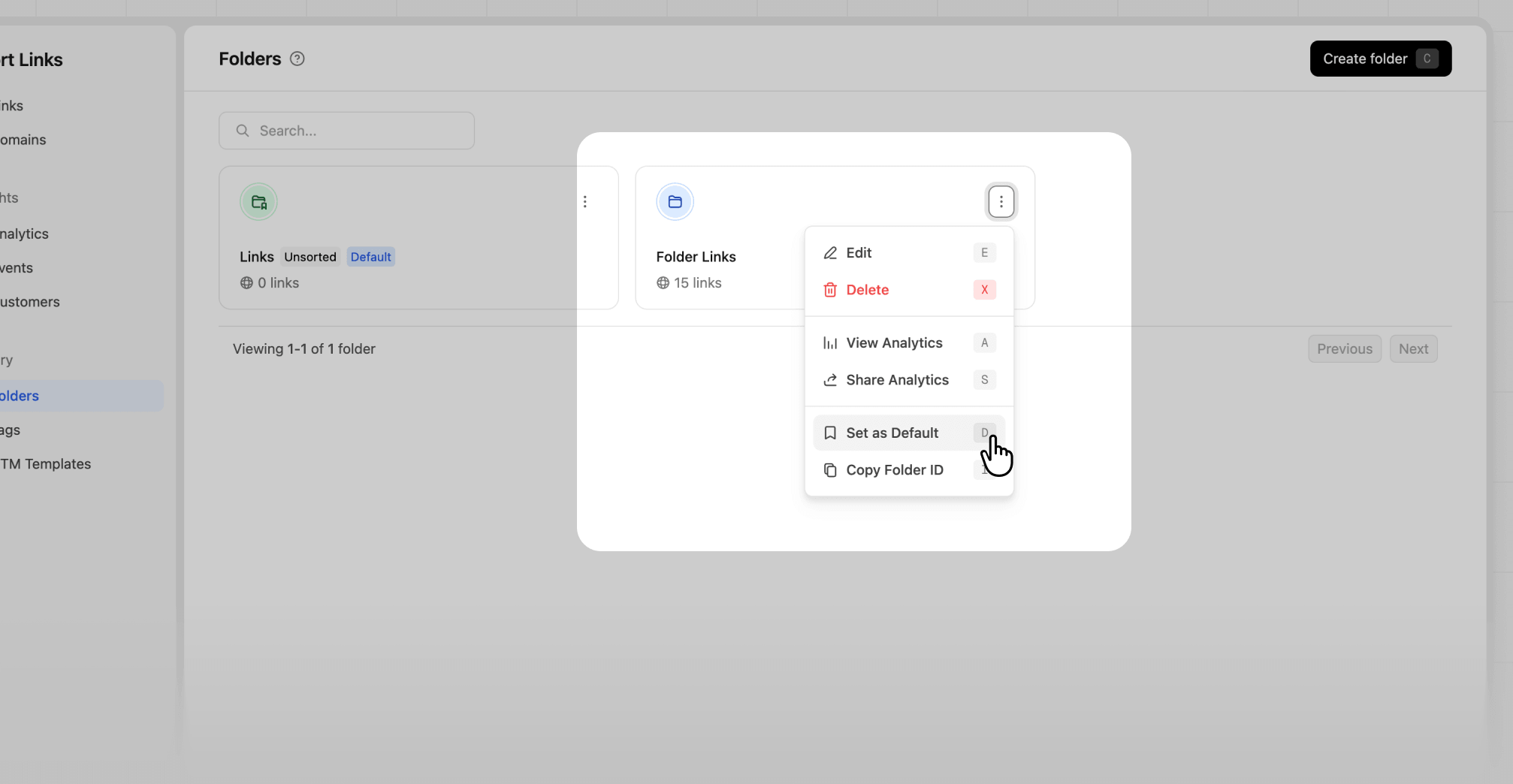
Once you’ve created a few folders, you can choose one to show up by default when you open your links dashboard. To do that, click the❯ button next to the Create link button to open the folder quick view. Then click the ⋮ dropdown and select the “Set as Default” option:
How many folders can I create?
The number of folders you can create depends on your plan:- Pro plan: Up to 3 folders
- Business plan: Up to 20 folders
- Advanced plan: Up to 50 folders
- Enterprise plan: Unlimited folders