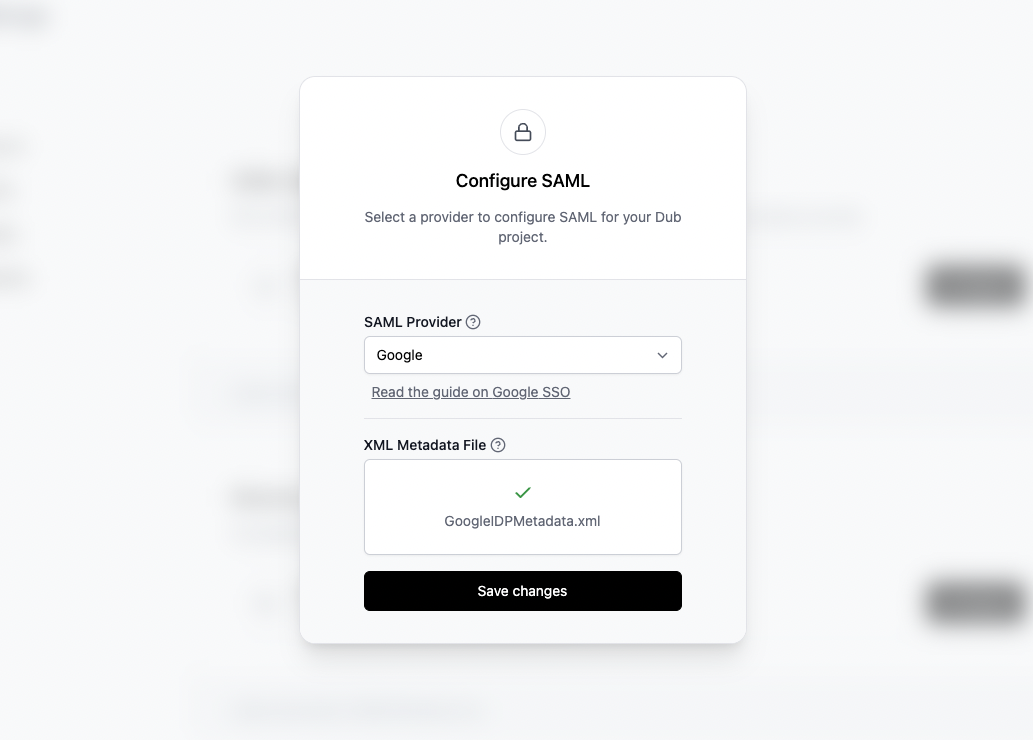
Step 1: Create SAML Integration
In your Google Admin dashboard, click on Apps in the sidebar and select Web and mobile apps from the list. If you don’t already have an existing SAML application, click on Add app and select Add custom SAML app from the dropdown menu.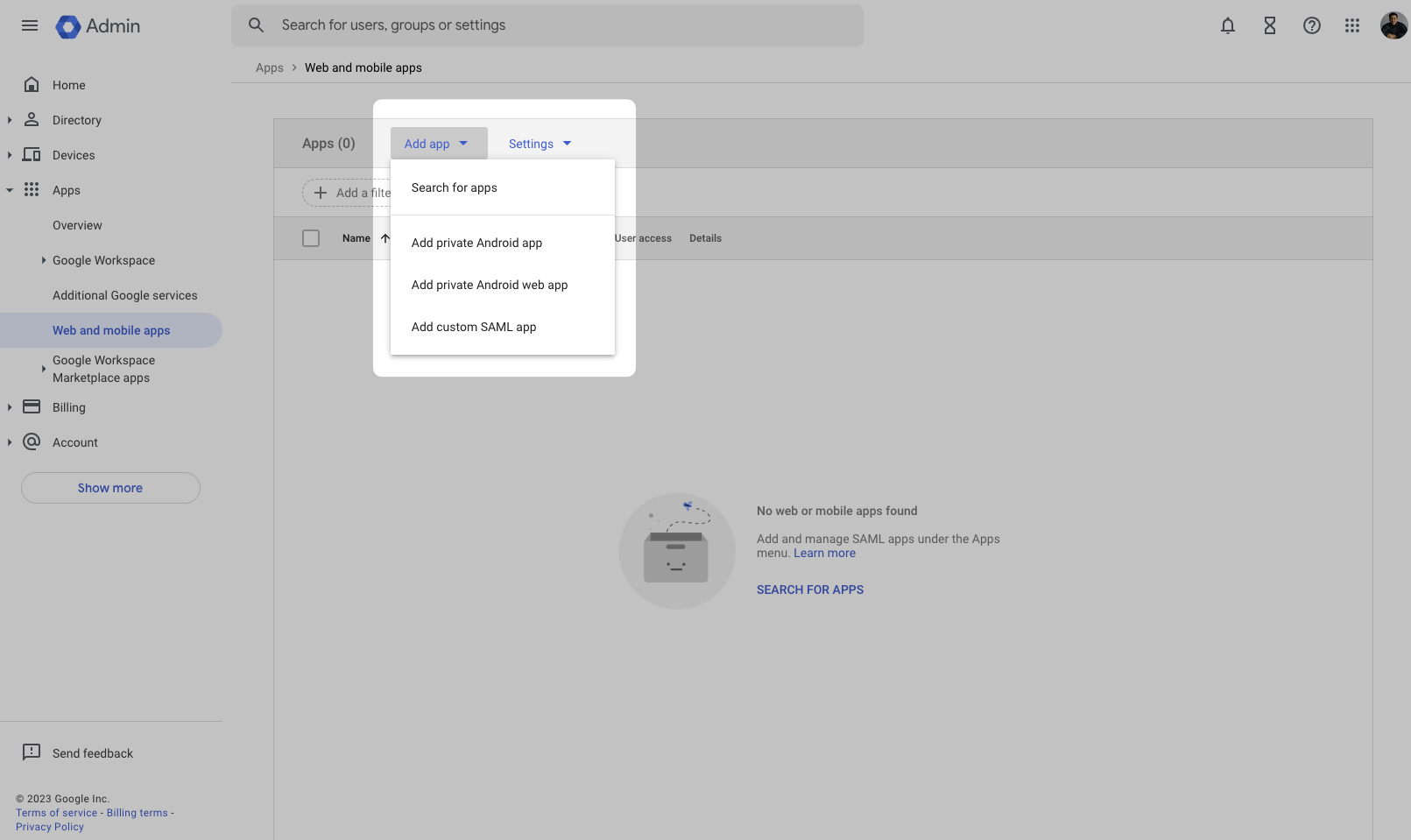
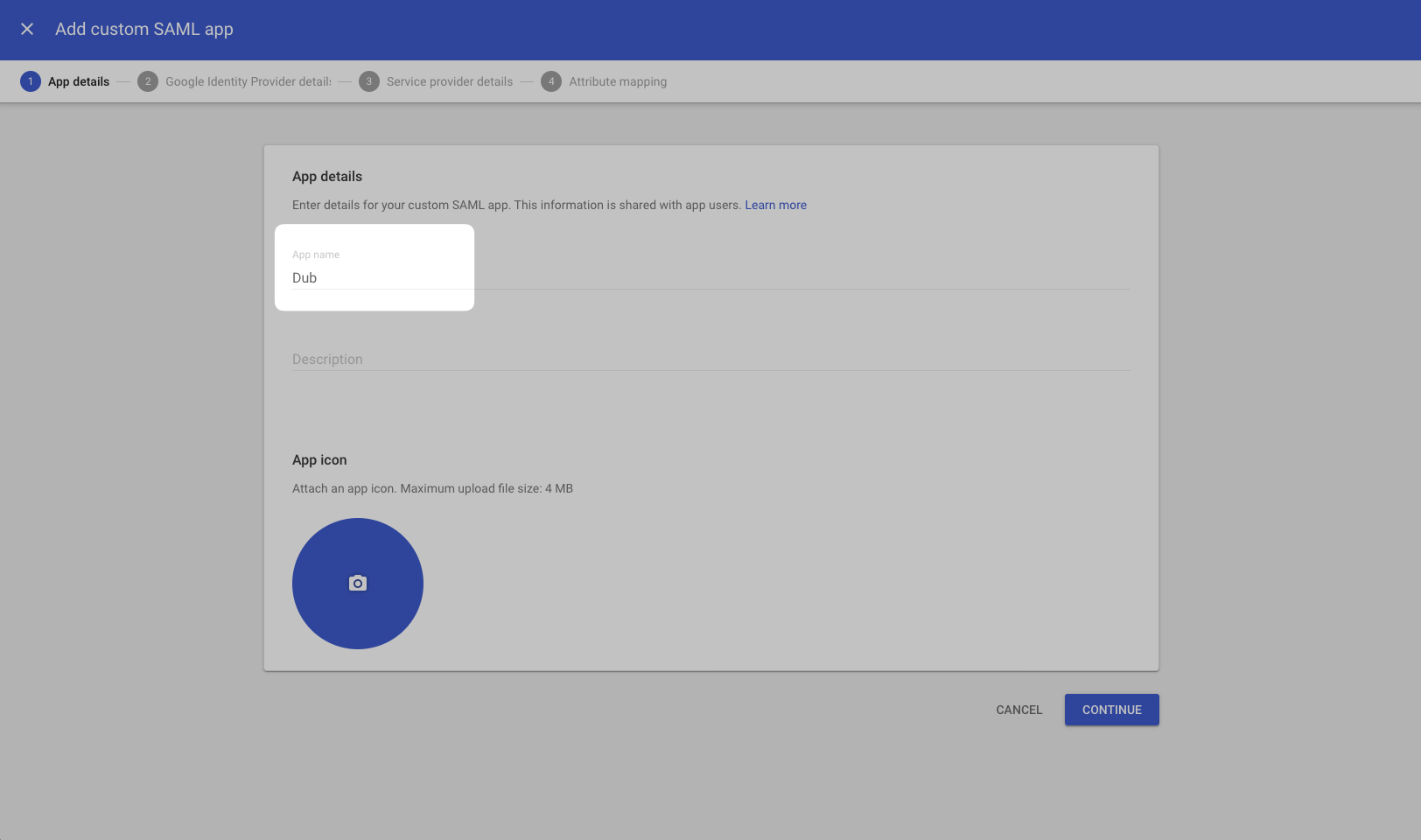
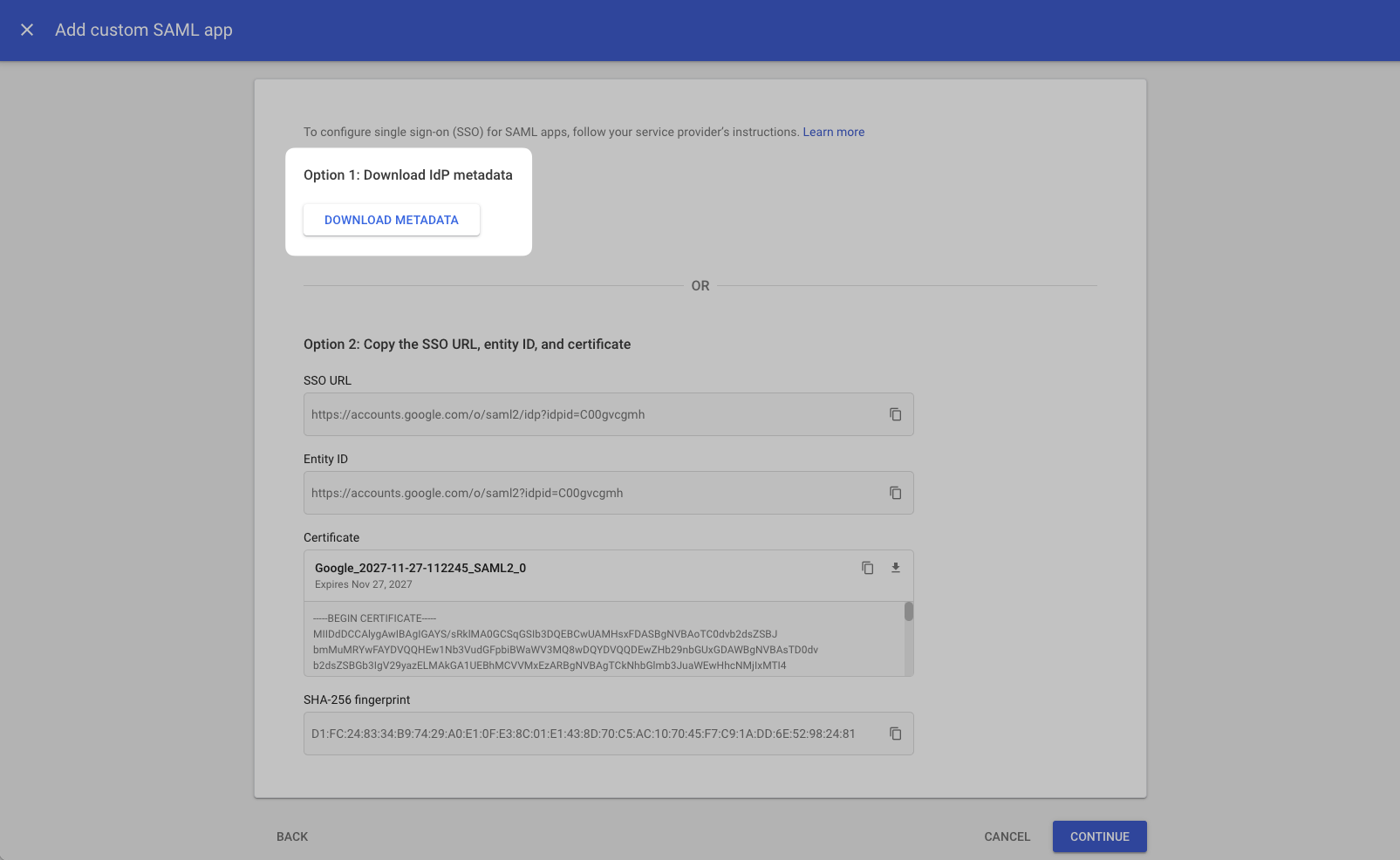
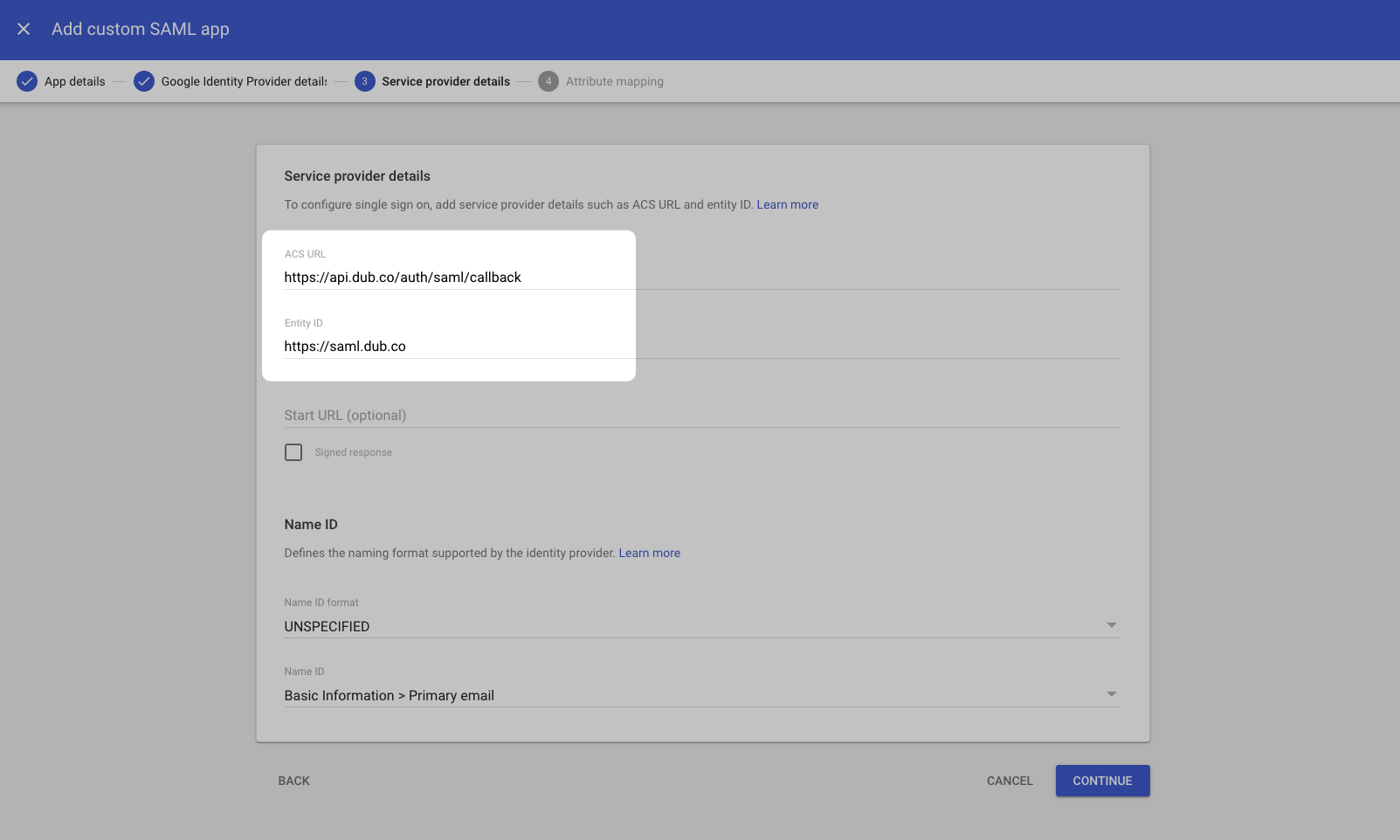
ACS URL
Entity ID
Step 2: Configure Attribute Mapping
On the next screen, under the Attributes section, click Add Mapping and add the following attribute mappings: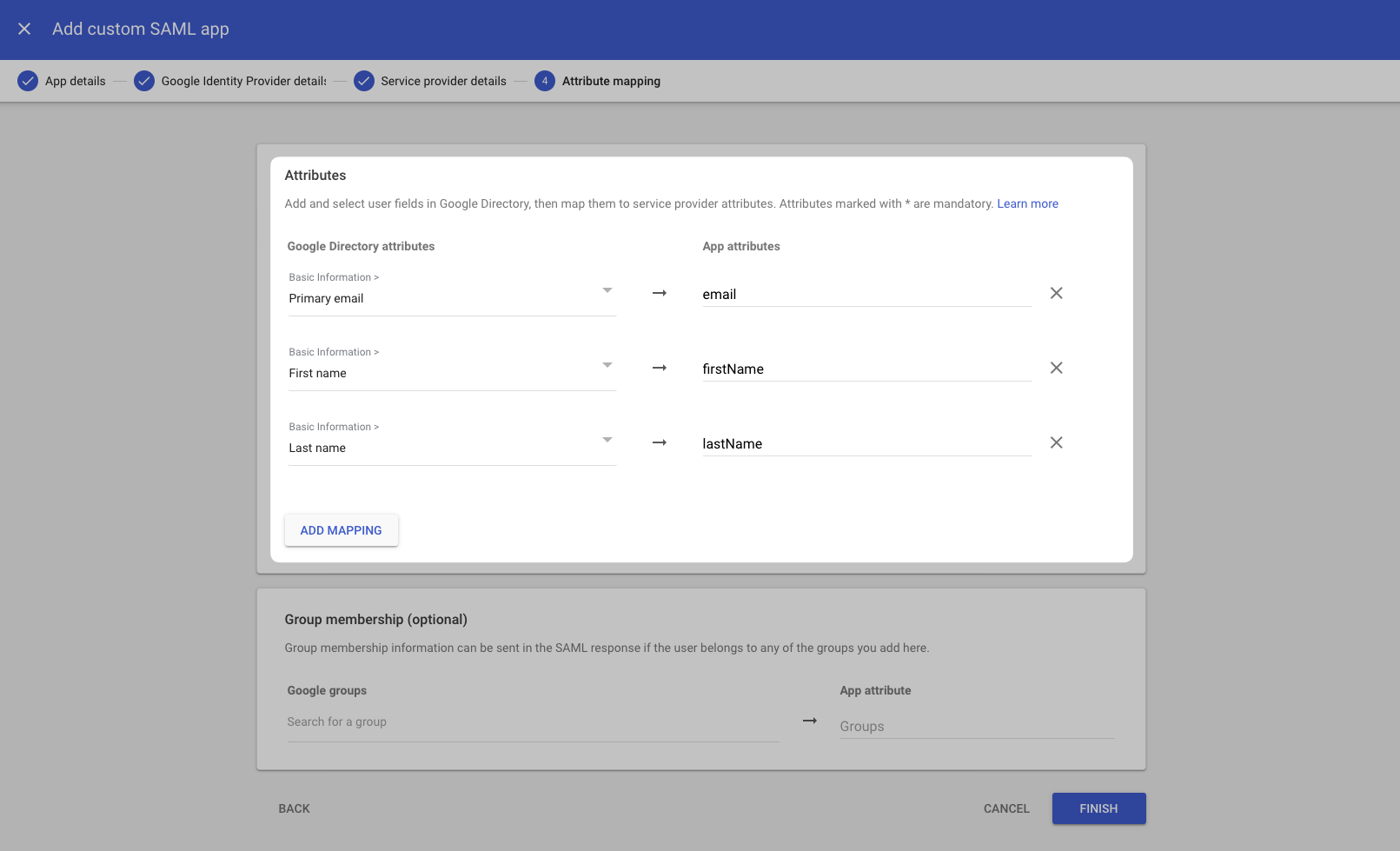
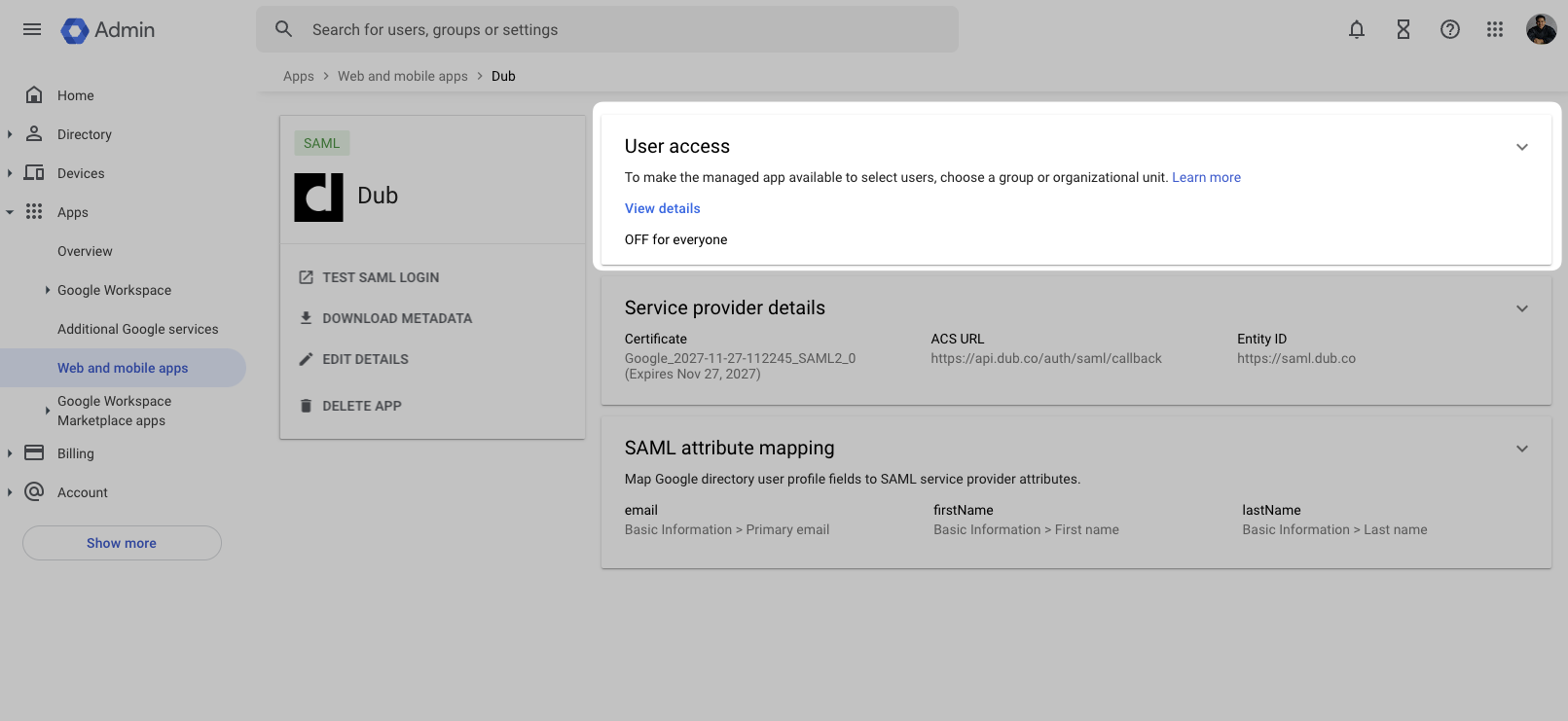
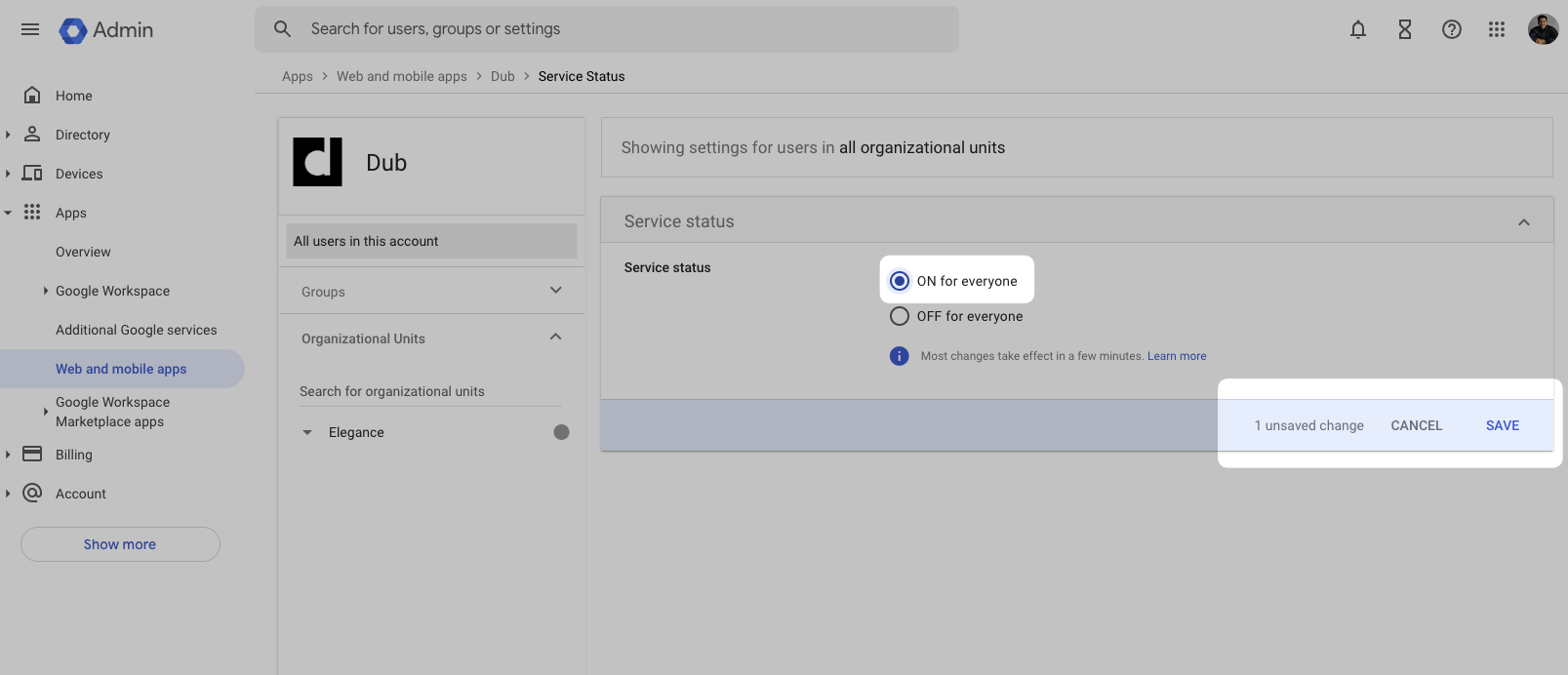
Step 3: Configure SAML SSO on Dub
In your workspace settings, click on Security in the Workspace group.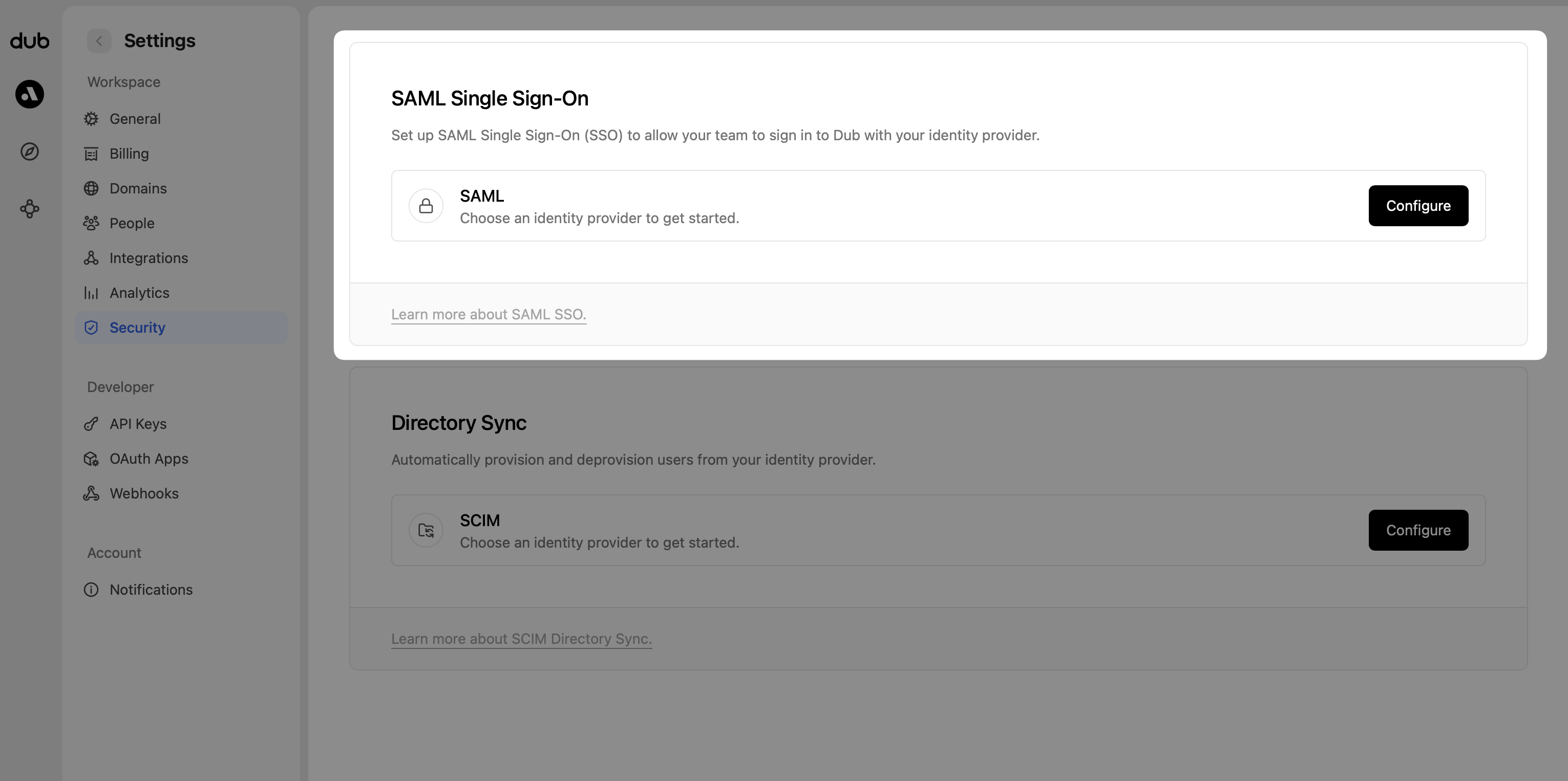
- Select Google as the SAML provider.
- Upload the metadata XML file you downloaded in Step 1.
- Click Save changes.